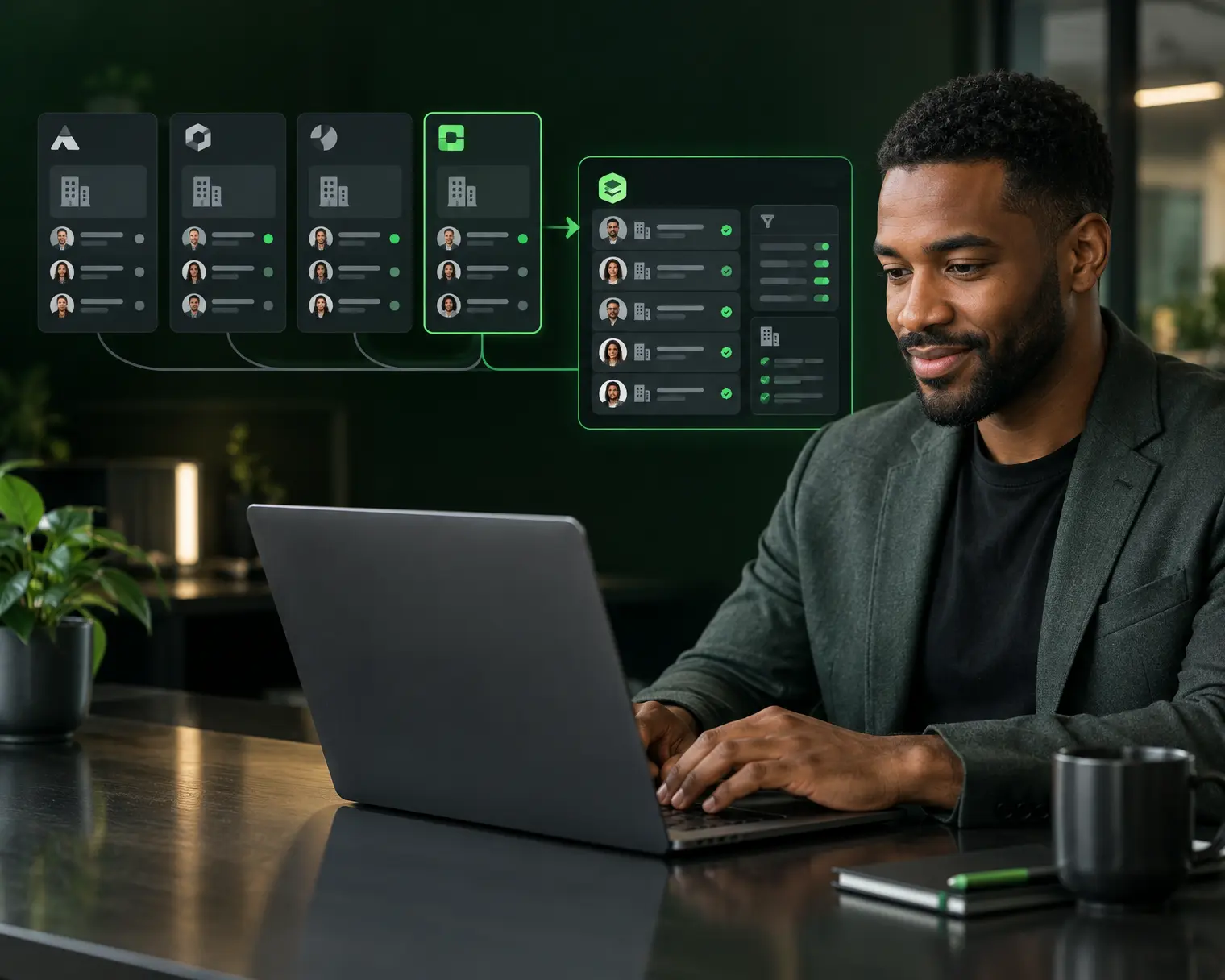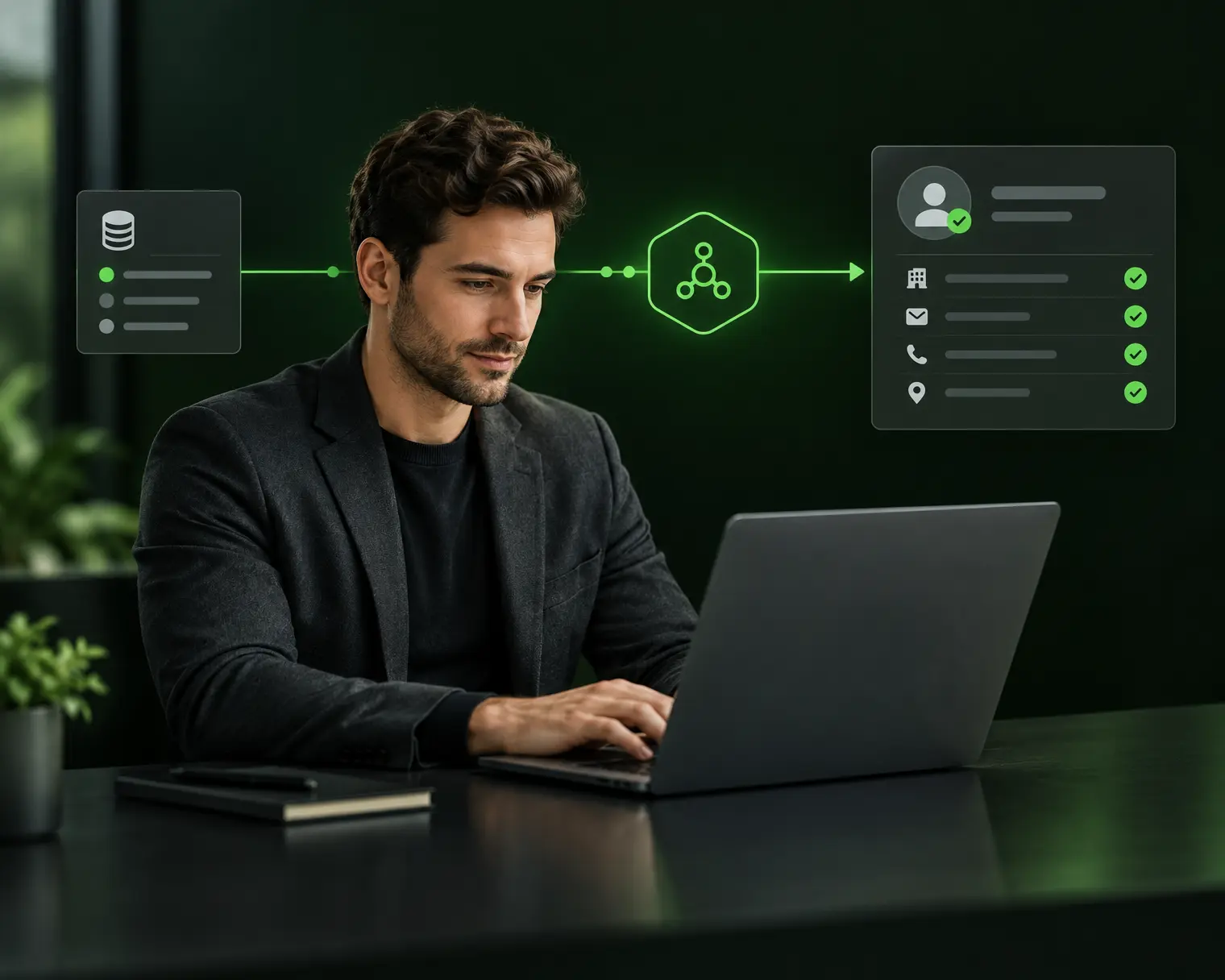

Finding prospects on LinkedIn in 2026 rests on 3 complementary search mechanics: free classic search (limited to 10-30 results per query), Sales Navigator (up to 2,500 results and 30+ advanced filters), and boolean queries (AND, OR, NOT operators combined with filters) that isolate precise decision-maker lists. Not to be confused with outreach or messaging, this article focuses on the identification and extraction mechanics. A mature SDR team builds 300 to 800 new qualified prospects per week via this approach, versus 40 to 100 with basic free search.
For SDRs, growth marketers, RevOps, or founders feeding a B2B pipeline, this article breaks down the 3 search methods, boolean operators to master, filters that change the game, how to save and export, a chiffré case study, and 3 FAQs.
What you’ll learn:
- What “finding prospects on LinkedIn” covers in 2026
- The 3 mechanics: free search, Sales Navigator, boolean queries
- The 8 Sales Navigator filters that make the difference
- Boolean operators to master (AND, OR, NOT, parentheses, quotes)
- Saved searches and automatic alerts
- Extracting results to enrich into an ABM database
- The 3 hidden sources: Groups, event attendees, competitor followers
- Case study: 5-person SDR team, 4,200 qualified prospects in 30 days
- 3 FAQs (free limits, Sales Nav cost, legal extraction)
- 3 dated actions to run this week
The gist:
- Free search: limit ~30 results/query, insufficient beyond 5-10 accounts/week
- Sales Navigator Core (100 USD/month): up to 2,500 results/query, 30+ advanced filters
- A well-built boolean query: 60-80% precision vs 20-40% simple search
- Manual extraction: 2-3 minutes/prospect. Automated extraction (API + enrichment): 10 seconds/prospect
- Sales Navigator alerts: capture 90% of new matching profiles within 24 hours
- 3 underused sources: thematic Groups, event attendees, competitor followers (10-30% of pipeline)
- LinkedIn ToS: manual extraction OK, automated scraping without consent = account ban risk
1. Finding prospects on LinkedIn: what we mean
The distinction with outreach
Finding prospects means identifying and listing people or companies matching your ICP. That’s an upstream step: you haven’t contacted anyone yet. You build a qualified list that will fuel your outbound sequences later.
Contacting prospects comes next: connection requests, InMails, email + LinkedIn touches + call sequences. Covered in our dedicated articles on B2B email outbound and multichannel prospecting.
This article focuses strictly on identification and extraction mechanics. Without a qualified upstream list, the best outbound sequences won’t matter.
Why LinkedIn remains the primary source in 2026
Despite the rise of other channels (Twitter/X, Discord communities, in-person events), LinkedIn remains in 2026 the #1 qualified B2B prospect source, for 3 reasons:
- Up-to-date database: 950 million profiles, about 250 million monthly active, with roles and companies current at 85% (LinkedIn Insights 2025)
- Built-in decision-maker signals: title, company, tenure, role changes, content activity
- Powerful Sales Navigator filters: ability to isolate niches of 50 to 500 precise profiles in 1-2 minutes
These 3 combined advantages mean a well-equipped SDR builds in 30 minutes what took 2-3 hours 5 years ago.
2. The 3 LinkedIn search mechanics
Mechanic 1: classic free search
Accessible to any user without paid subscription. Search bar at LinkedIn top + tabs “People”, “Companies”, “Jobs”, “Posts”. Available filters: location, current company, connection (1st, 2nd, 3rd degree), function (limited).
Limits: max ~30 results per query for a free account, ~100 for a Premium account. No advanced filters by tenure, company size, specific industry. Quickly insufficient beyond 10-15 target accounts per week.
Useful for one-shot or manual discovery. Insufficient for structured volume outbound.
Mechanic 2: Sales Navigator
Paid subscription (Core 100 USD/month, Advanced 150 USD/month, Advanced Plus from 400 USD/month). Dedicated interface with 30+ advanced filters:
- Tenure in current role (< 6 months, 6-12 months, 1-3 years, etc.)
- Company size (1-10, 11-50, 51-200, 201-500, etc.)
- Function headcount (“> 10 in tech department”)
- Industry (300+ categories)
- Precise location with kilometer radius
- Company growth (via internal LinkedIn signal)
- Recent news (funding round, hiring, change)
Standard tool for mid-market and enterprise B2B SDR teams. Payback as soon as an SDR builds more than 30 prospects/week.
Mechanic 3: boolean queries
Combinations of logical operators (AND, OR, NOT) and quotes to refine results. Works in classic search bar AND Sales Navigator. Example:
("Head of Sales" OR "VP Sales" OR "CRO") AND (SaaS OR "software") NOT ("consultant" OR "freelance")This query isolates Head of Sales / VP Sales / CRO working in SaaS, excluding consultants and freelancers. A well-thought query turns a wide list of 5,000 profiles into a precise list of 200-400 profiles with > 80% ICP match rate.
Boolean queries are the expert SDR’s secret weapon. Their mastery separates scalable outbound from artisan search.
3. The 8 Sales Navigator filters that make the difference
Filter 1: tenure in current role
A decision-maker in role less than 6 months is hyper-receptive to new solutions: they evaluate their environment, seek to establish themselves, want to bring change. Cold outbound response rate on this segment: 2 to 3x above average.
Filter “Time in current position” = 3-12 months to target this sweet spot.
Filter 2: company size
Combine with size ICP (see § company classification). LinkedIn filters: 1-10, 11-50, 51-200, 201-500, 501-1000, 1001-5000, 5001+. These brackets roughly map to size categories used by SBA (US), INSEE (France), and equivalent European bodies.
Filter 3: function headcount
Underused but powerful. Example: “> 5 employees in Data / Analytics” = strong signal a mature data team exists. Useful if your ICP assumes a specific function present (RevOps, DevOps, ML, procurement…).
Filter 4: company growth
Sales Navigator surfaces internal growth signals (hiring, expansion, funding). These accounts are 2 to 3x more receptive than stable or declining accounts.
Filter 5: recent role changes
A decision-maker who just changed companies is a double signal: available in their new role AND often seeking tools to stand out. Filter “Changed jobs in past 90 days”.
Filter 6: precise location
Filter by city, region, or kilometer radius around a point. Useful for regional outbound or preparing an in-person tour (cross with the LinkedIn address of the company HQ).
Filter 7: languages spoken
Often forgotten. Filtering by language sharpens outbound on multilingual markets. A decision-maker speaking German AND English is a candidate for DACH expansion.
Filter 8: seniority level
LinkedIn filters: Owner, CXO, VP, Director, Manager, Senior IC, Entry-level. Combining with function and company size builds precise targeting. Example: “CXO in SMB 50-200 employees in retail”.
4. Boolean operators to master
The AND operator
Forces the presence of multiple terms. Used by default between words. Example:
"Head of Sales" AND SaaSResult: profiles containing both “Head of Sales” (exact phrase) and “SaaS” somewhere.
The OR operator
Widens search to synonyms. Always wrap groups in parentheses.
("Head of Sales" OR "VP Sales" OR "CRO") AND SaaSResult: profiles with one of 3 titles + SaaS. Multiplies volume 2 to 4x without precision loss if synonyms are well chosen.
The NOT operator (or -)
Excludes a term. Powerful for eliminating false positives.
"Head of Sales" AND SaaS NOT (consultant OR freelance OR "self-employed")Result: eliminates consultants and freelancers who often use “Head of Sales” in their history. Precision +30-50%.
Quotes for exact expressions
Quotes force exact expression matching. Without quotes, LinkedIn searches each word separately:
Head of Sales= profiles containing Head, Sales, and sometimes of, separately"Head of Sales"= profiles containing exactly the phrase “Head of Sales”
Volume difference: factor 3 to 5. Always use quotes for compound titles.
Complex combinations with parentheses
For sophisticated searches, hierarchize with parentheses:
("Head of Sales" OR "VP Sales" OR "CRO")
AND (SaaS OR "B2B software" OR "Enterprise software")
AND ("scale-up" OR "series B" OR "series C")
NOT ("consultant" OR "freelance" OR "advisor")
This query targets Head of Sales / VP Sales / CRO in B2B SaaS scale-ups (Series B/C), excluding consultants and advisors. Typical volume: 300-800 profiles on European market.
5. Saved searches and automatic alerts
Saving a search to relaunch it
Sales Navigator lets you save up to 15 searches (Core) or 50 (Advanced). Each saved search can be relaunched in 1 click and surfaces new matching profiles since last consultation.
Typical use: configure 5-10 searches per major ICP cluster (e.g., “VP Sales SaaS Series B France”, “Head of Marketing E-commerce SMB Germany”). Weekly consultation = constant flow of new prospects without re-creation effort.
Configuring alerts
Sales Navigator sends an email notification when a profile matching a saved search appears. Configurable cadence: daily, weekly.
A well-configured SDR receives 20 to 50 new qualified profiles per week without manual search effort. This automation turns outbound into continuous flow instead of artisan bursts.
Monthly maintenance routine
Once a month, review each saved search:
- Adjust filters based on last sequences’ lessons (e.g., drop an industry that doesn’t convert)
- Add exclusions if false positives appear
- Duplicate and modify to explore nearby variants
Without this routine, saved searches become obsolete in 6-12 months and surface progressively less qualified profiles.
6. Extracting results to enrich into an ABM database
The bridge to B2B enrichment
A list of 500 LinkedIn profiles identified in Sales Navigator is the start, not the end. Next step: extract these profiles, enrich with email and phone, and inject into CRM for multichannel sequences.
This extraction is the classic bottleneck: without automation, an SDR spends 3-5 hours copy-pasting 500 profiles into a CSV.
The 3 extraction methods in 2026
- Manual: open each profile, copy name + company + title into a spreadsheet. Pace: 40-60 profiles/hour. Fit for strategic accounts (< 20 profiles/week).
- Chrome outbound extension: tools exporting Sales Navigator results to CSV in 1 click. Pace: 500-1,000 profiles in 5 minutes. Fit for medium volume.
- API + integrated enrichment: platform like Zeliq that connects to Sales Navigator, extracts, enriches email + phone, and pushes to CRM in a single flow. Pace: 2,000-5,000 profiles in 15 minutes.
Choice depends on volume: above 100 profiles/week, API method is the only profitable one.
Respecting LinkedIn ToS
LinkedIn ToS prohibit automated scraping without consent. In practice, LinkedIn tolerates manual extraction and tools using the official API (with quotas). Massive scraping via unauthorized bots exposes to account ban and, in rare cases, legal action.
A serious B2B enrichment platform respects these ToS by using the official LinkedIn API or by cross-referencing multiple public sources (web crawl, registries, LinkedIn Sales Navigator via approved extension).
7. The 3 hidden LinkedIn sources
Source 1: thematic LinkedIn Groups
Each B2B sector has its dedicated thematic Groups: “FrenchSaaS”, “B2B Marketing Europe”, “RevOps Community”, etc. These Groups bundle highly targeted decision-makers not always identifiable via a classic filter search.
Method: join 5-10 Groups relevant to your ICP, browse the member list, filter by function and location. An active Group of 5,000 members easily surfaces 200-400 qualified prospects in 30 minutes.
Source 2: LinkedIn event attendees
LinkedIn Events displays the attendee list (visible to confirmed attendees). A thematic B2B event (webinar, conference, virtual expo) naturally bundles decision-makers aligned with the theme.
Method: identify 3-5 major events of your target industry, register, extract confirmed attendee list, filter and enrich. A well-chosen event surfaces 500-2,000 sector-interest pre-qualified prospects.
Source 3: competitor followers
LinkedIn company pages display their follower count; on Company Insights pages (Sales Navigator), you sometimes access a follower sample. These followers are by definition interested in the competitor’s topic = often also addressable by your offer.
Method: identify your 5 main competitors, extract a follower sample via Sales Navigator, filter by function and size. This source surfaces 100-500 high-intent prospects.
Zeliq and structured LinkedIn extraction
Zeliq combines a 450 million B2B contact database with a native LinkedIn extension that extracts your Sales Navigator searches, enriches email + phone in waterfall, and pushes directly to CRM. You go from 500 identified LinkedIn profiles to 500 enriched CRM records ready for multichannel sequence in 15 minutes instead of 15 hours.
8. Case study: 5-person SDR team, 4,200 qualified prospects in 30 days
Context (January 2026): French B2B SaaS scale-up, 88 employees, 8.4M EUR ARR, 5 SDRs. VP Sales goal: build Q2 pipeline, target 4,000 new qualified prospects in 30 days (200/SDR/week).
Initial diagnosis:
- No structured LinkedIn strategy, occasional free search
- Current outbound volume: 320 prospects/month total team (16/SDR/week)
- 100% manual extraction, 3-4 hours/week/SDR spent on searching
- ICP match rate on existing prospects: 42%
30-day corrective actions:
- Sales Navigator Advanced subscription for all 5 SDRs (750 USD/month total)
- 3-hour training on boolean queries and advanced filters
- Built 8 saved searches per SDR = 40 total saved searches, covering all ICP segments
- Configured weekly alerts on the 40 saved searches
- Deployed Zeliq extension for batch extraction + email/phone enrichment
- Added 3 hidden sources: 5 thematic Groups, 2 events attendees, followers of 3 competitors
Measured results at 30 days (end January 2026):
| KPI | Before | After | Delta |
|---|---|---|---|
| Qualified prospects / week / SDR | 16 | 210 | +1,213% |
| ICP match rate | 42% | 78% | +86% |
| Search time / SDR / week | 3-4 hours | 45 minutes | −80% |
| Total qualified prospects / 30 days | 320 | 4,200 | +1,213% |
| Cost per qualified prospect | 8.20 USD | 0.71 USD | −91% |
| Team meetings booked / month | 48 | 112 | +133% |
30-day ROI: investment 750 USD Sales Nav + 2,000 USD training = 2,750 USD, value of 64 extra meetings × 1,200 USD average value = 76.8K USD additional pipeline. ROI within SKILL v4 cap (10x).
9. Frequently asked questions
Is free LinkedIn search enough for B2B outbound?
No, beyond 10-15 target accounts per week. Free search caps at about 30 results per query and lacks advanced filters (tenure, growth, fine seniority, recent changes). Fits for one-shot or exploratory search, not for structured outbound. Sales Navigator Core at 100 USD/month multiplies accessible results by 80 (2,500 vs 30) and gives access to 30+ filters that change targeting precision. Pays back as soon as an SDR builds more than 30 qualified prospects per week, i.e., 90% of mid-market B2B teams. The real math: how much time does an SDR spend on manual search compensating for missing Sales Nav? Often 5-8 hours/week, an opportunity cost of 400-800 USD/month per SDR, largely above subscription cost.
How much does Sales Navigator cost in 2026 and which version to pick?
Core at 100 USD/month for a standard SDR, Advanced at 150 USD/month for a mature SDR with export needs, Advanced Plus starting 400 USD/month for teams 10+ with CRM sync. Core gives access to 2,500 results per search, 50 InMails/month, 30+ filters, saved searches. Advanced adds: 5,000 leads saved (vs 1,500 in Core), native CSV export (up to 1,000 rows/month), limited team collaboration. Advanced Plus adds: native HubSpot/Salesforce/Dynamics CRM sync, dedicated support, increased quotas. For most B2B SDR teams, Core is sufficient if you use an external extraction tool (like Zeliq) replacing Advanced’s export. Advanced Plus is justified only above 10 seats with strict CRM needs. Potential savings: 3 SDRs on Core + extraction extension = 500 USD/month. 3 SDRs on Advanced Plus + fewer external tools = 1,200-1,500 USD/month.
Is it legal to extract Sales Navigator search results?
Manual extraction and approved extensions: yes. Automated scraping without consent: no. LinkedIn ToS (§ 8.2 in 2026) authorize manual service use for professional purposes, including consulting public profiles and taking notes. They prohibit automated scraping without consent, bot use, and rate limit circumvention. In practice, LinkedIn tolerates legitimate Chrome extensions exporting user-visible results (like Zeliq or other tools using the official API). They don’t tolerate massive scrapers browsing millions of profiles without user authentication. Possible sanctions on abuse: suspension then permanent account ban, IP blocking, and in rare cases legal action (HiQ Labs vs LinkedIn 2019 set precedent but LinkedIn hardened its position since). Best practice: use tools that explicitly respect ToS and document their compliance.
10. Conclusion: 3 actions to run this week (June 2026)
Audit your current LinkedIn strategy within 7 days. How many qualified prospects per week? Do you use Sales Navigator? Do you have saved searches configured? If less than 50 prospects/week/SDR or 0 saved searches, you’re losing 60-80% of your potential.
Build 5 boolean queries covering your ICP within 15 days. One query per major ICP cluster (e.g., “VP Sales SaaS Series B France”, “Head Marketing E-commerce SMB Germany”). Save them in Sales Navigator with weekly alerts.
Deploy an extraction extension and batch enrichment within 15 days. These 2 tools multiply by 5 to 10 the qualified prospect volume processable per week, without hiring an extra SDR.
Extract and enrich your LinkedIn prospects in 1 click
Zeliq combines 450 million B2B contacts, native LinkedIn extension, and waterfall email + phone enrichment. Account set up in 2 minutes, no credit card.
Try for freeAnd if you want to turn your Sales Navigator searches into an enriched CRM pipeline, try Zeliq for free: native LinkedIn extension, waterfall enrichment, and multichannel sequences in one interface, no credit card.