
Zelia Agent
meet zelia agent,
your ai Sales assistant.
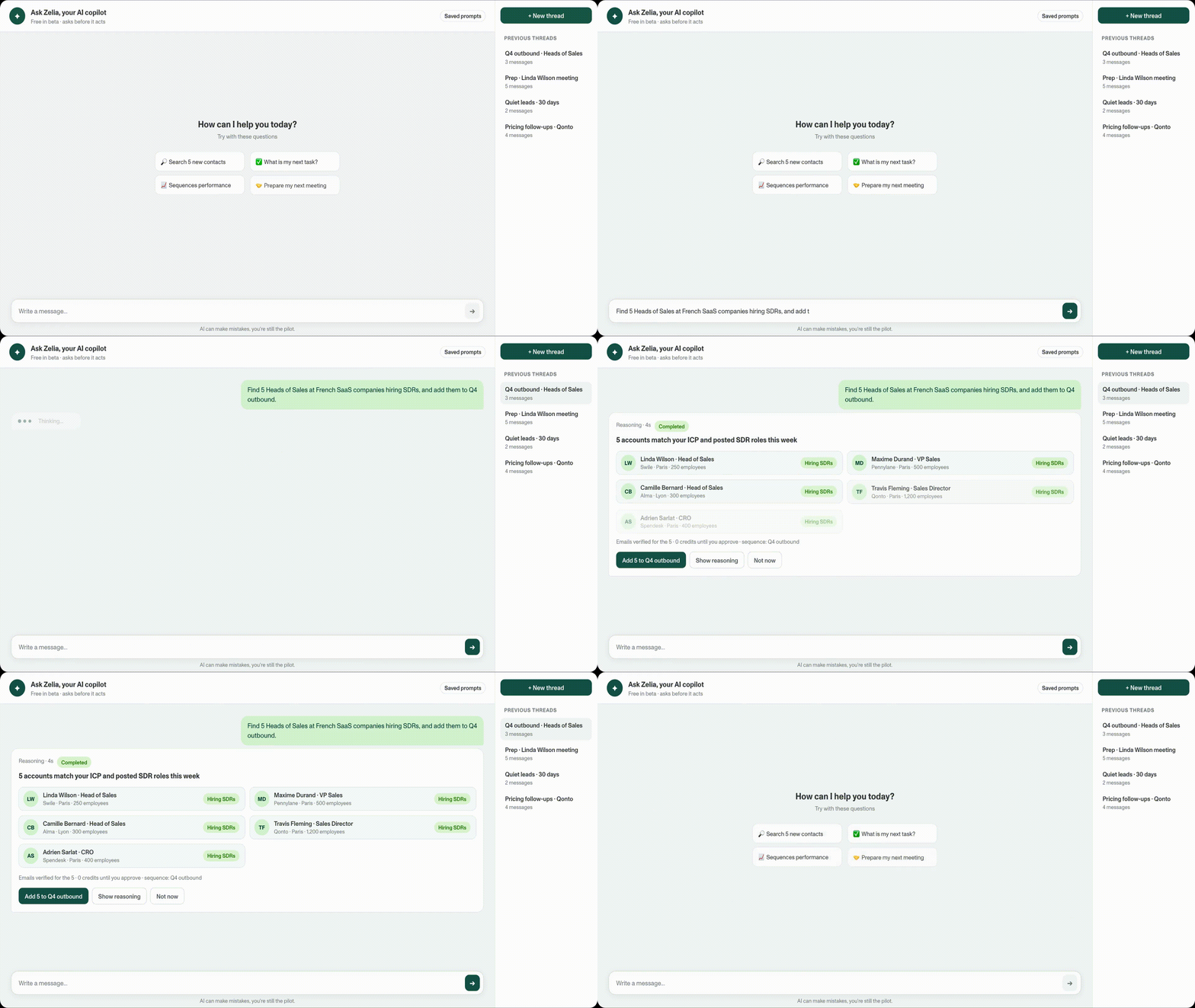
Let AI handle research, meeting prep, and data enrichment while you focus on selling. Zelia finds prospects, validates contact data, and keeps your pipeline full, automatically.

AI that actually helps you sell.
IDENTIFY

Find high-intent accounts.
PROSPECT
Write better cold emails.
NURTURE

Follow up smarter.
ANALYZE

Learn from lost deals.
usecases.
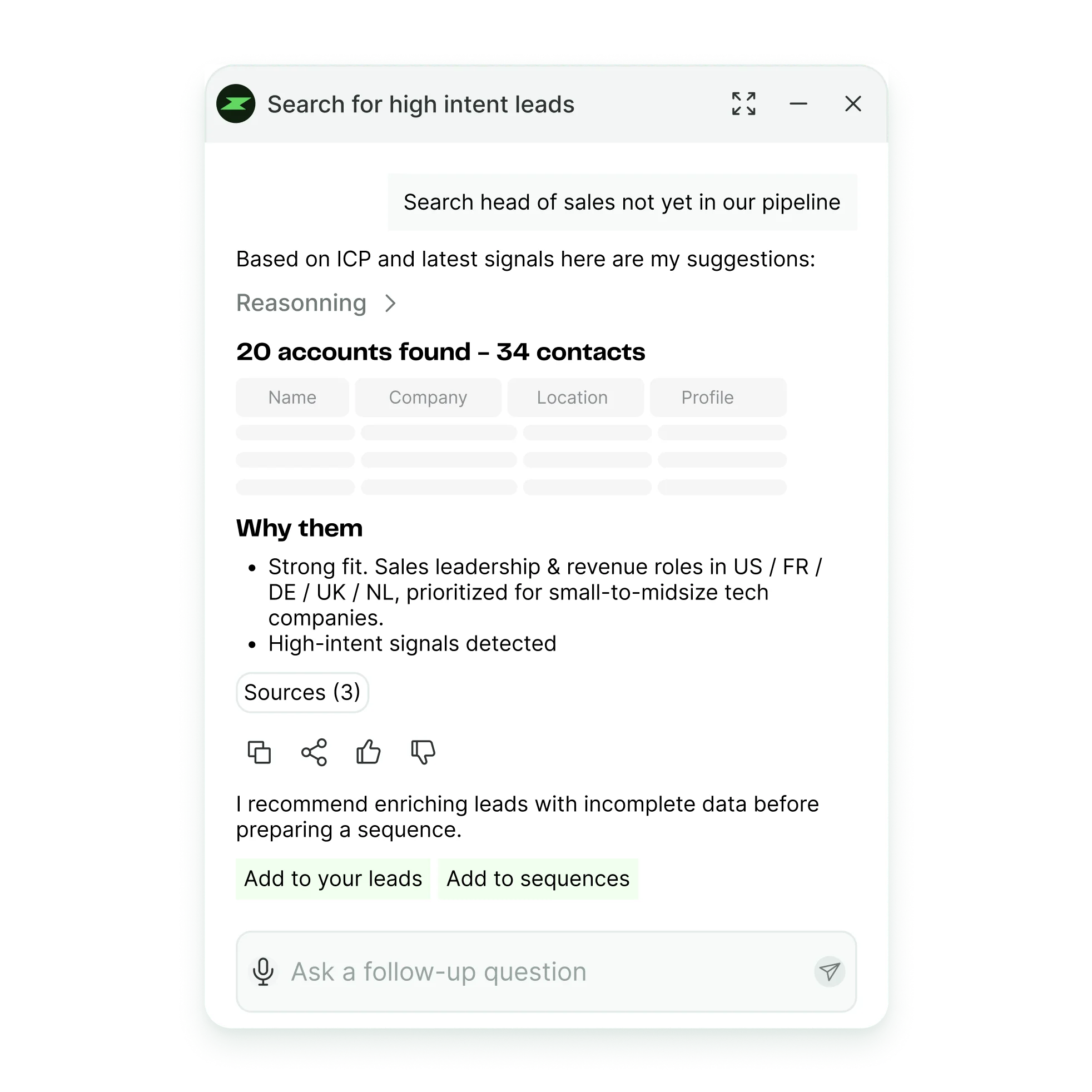
Target the right leads, instantly.

Zelia connects the dots between your ICP, CRM, and current leads to surface fresh, high-fit accounts, ready to engage, in just one click
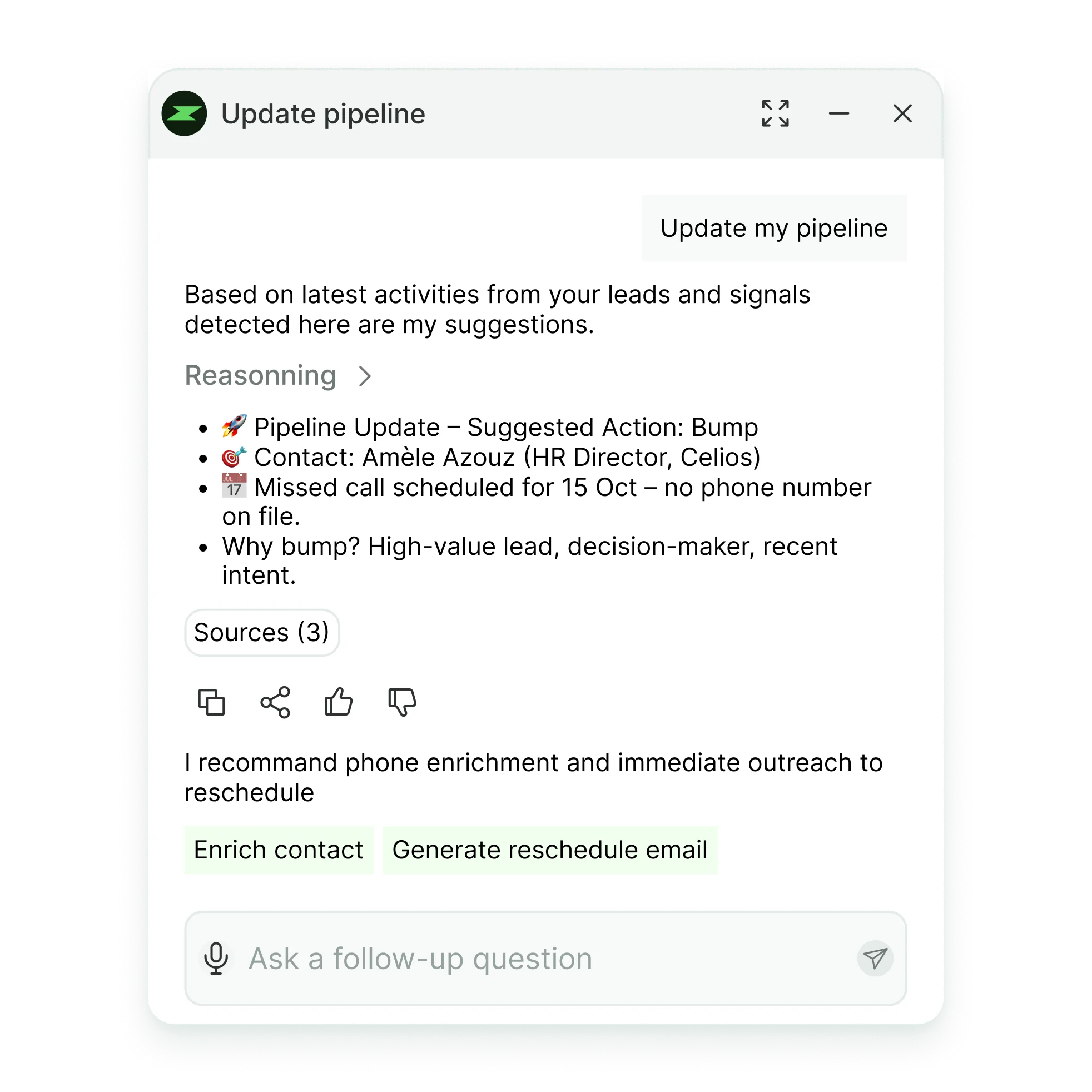
Right Moves. Sharp Pipeline

When the board is red, Zelia turns noise into a clear plan. It scans aging leads, recent activity, and engagement to suggest who to bump, pause, or double-down, each with a short rationale. Approve in one click and Zelia creates tasks, drafts bumps, and syncs to CRM.
From a list to a live sequence.

You have your prospects. Zelia builds the sequence step by step, writes the email for each step, and enrolls the contacts you approve. And when a sequence stalls, ask Zelia to review it: it shows you where contacts drop off.

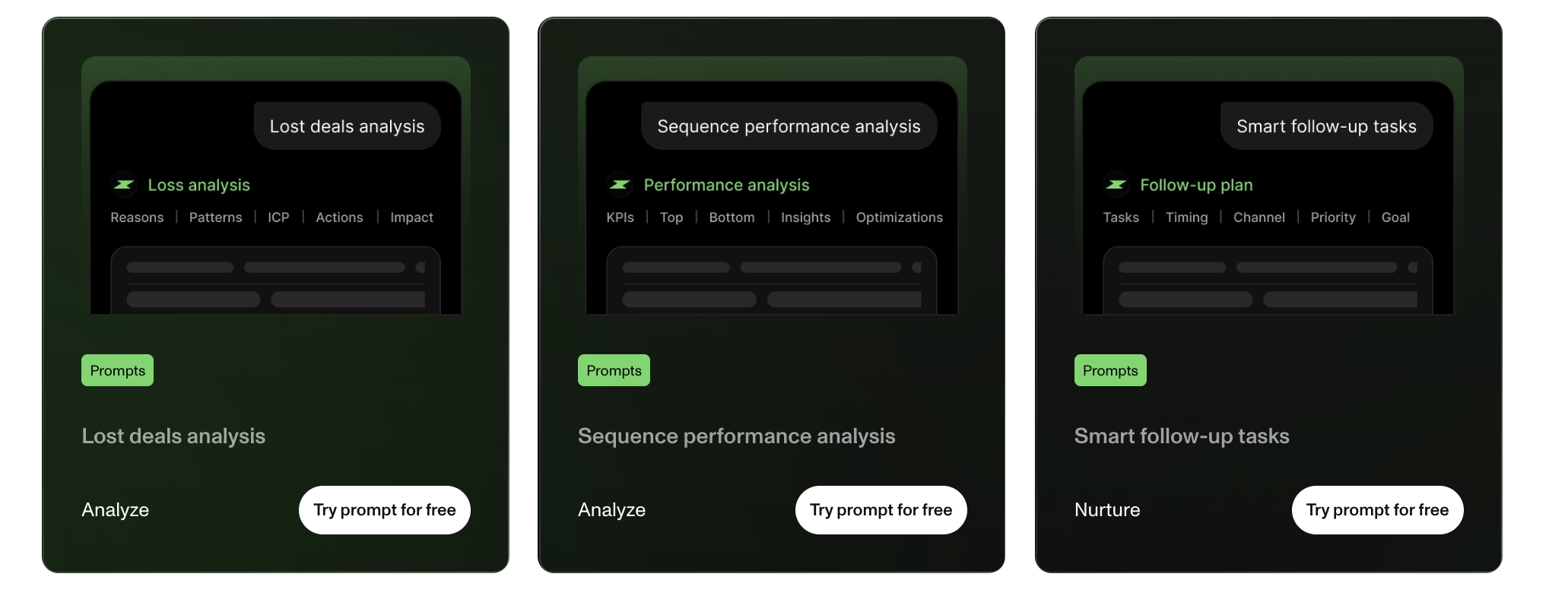
Explore our ready-to-use sales prompts.
Start prospecting smarter with ZElia.
Join sales teams using AI to find prospects faster, enrich data automatically, and close more deals · See how ZELIA transforms your workflow.
FAQ
What can Zelia, your AI copilot, do?
Zelia assists you at every stage of your sales journey: find new prospects matching your ICP and latest intent signals, enrich their data, prepare for meetings, optimize your sequences, prioritize your tasks, and monitor your pipeline health.
Why is this feature still in beta?
We're building Zelia with you—testing real use cases and iterating based on your feedback. Some responses may not perfectly match your expectations yet. Your input helps us improve and better serve your goals.
How do I stay in control of what the AI does?
You're always in control:
- Zelia asks for confirmation before taking any action. She suggests, you decide.
- After each response, Zelia recommends next steps—but you choose whether to proceed.
- Turn off AI features anytime via chat settings.
- Admins can update your ICP and business context at any time to keep Zelia's responses relevant.
Does Zelia know my ICP?
Yes. Your business context and ICP are pre-configured by AI. Admins can update them anytime in chat settings to ensure Zelia understands your target customer.
How can I optimize Zelia's responses?
Keep your context fresh:
- Review and update your business context and ICP (accessible via Zelia chat settings)
Connect your CRM:
- If you use HubSpot, activate sync and pull all relevant data. This gives Zelia richer context—especially for meeting prep.
Show her what works:
- Reference successful campaigns, high-converting emails, or winning prospects. Zelia learns from your proven playbooks.
Experiment freely:
- Zelia can handle almost any request. Test different prompts—small wording changes can improve results.
How much does this feature cost?
Free during beta. After official launch, Zelia requests will consume credits.