
Email finder: find the verified business email of any contact
Enter a first name, a last name and the company domain, or paste a LinkedIn profile URL. This free email finder tool runs the Zeliq enrichment waterfall and returns the contact's business email, verified before you send.
Email search based on data, not guesswork
First name, last name, domain or LinkedIn profile: the tool cross-checks more than 40 enrichment sources to find the business email actually in use, instead of generating format guesses.

Free, no sign-up
One free search, no account needed. Your inputs are used only to find and verify the requested email, in line with GDPR, and a captcha limits abuse.

A verified email, a lower bounce rate
An unverified email hurts the deliverability of your cold email campaigns. Zeliq checks the address against more than 450 million B2B contacts, including catch-all domains, before handing it to you.


Why verify emails with Zeliq?
Deep data coverage, built-in email verification and native integrations with your sales tools. Zeliq protects your deliverability and sharpens the targeting of your campaigns.
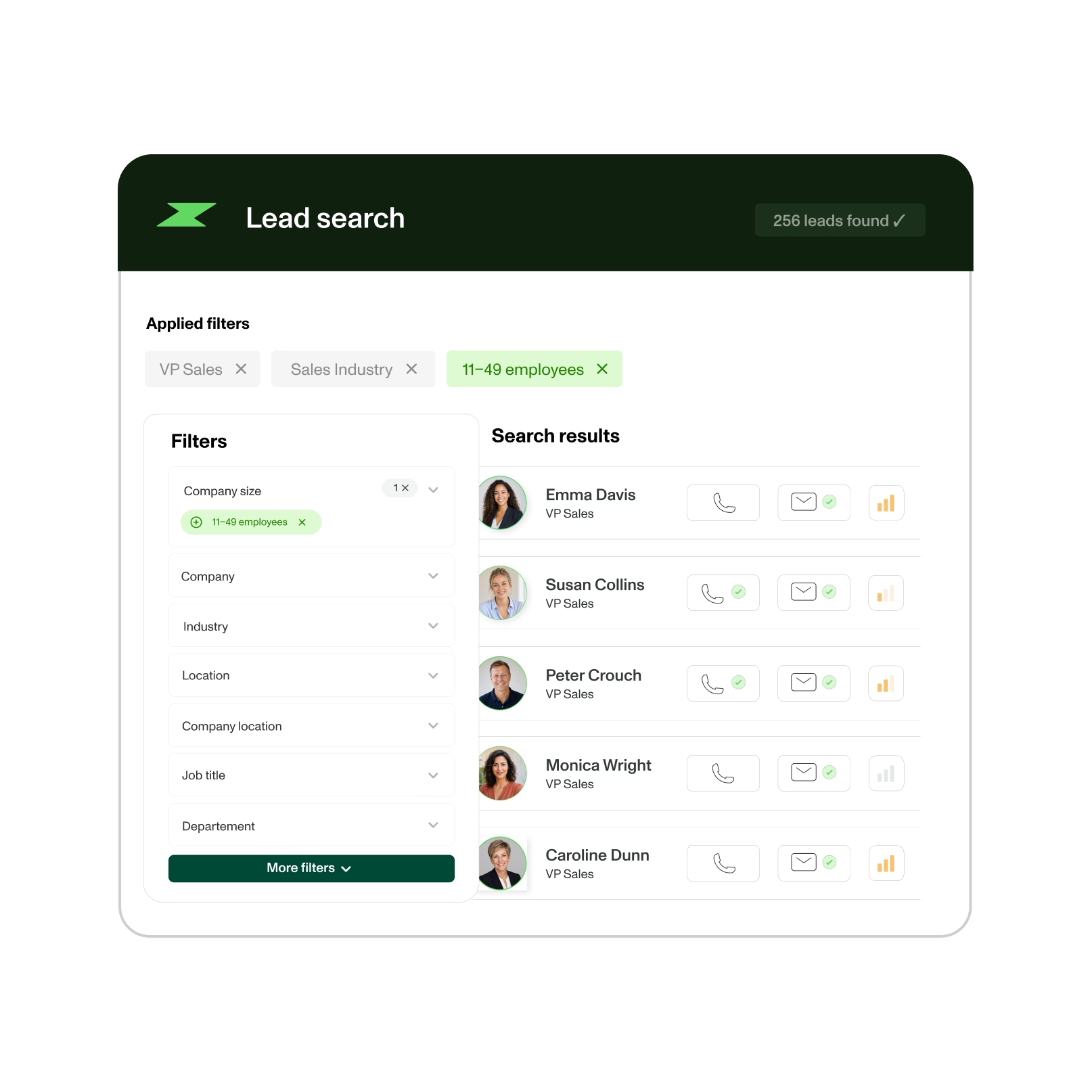
Advanced segmentation and ICP
One enrichment request automatically queries several data providers through our enrichment waterfall. More providers means more valid emails (80%) and phone numbers (60%), for prospecting focused on your ideal customer profile (ICP).
Chrome extension and LinkedIn integration
Our Chrome extension pulls emails and phone numbers in one click, straight from LinkedIn and Sales Navigator. Enrich prospects instantly from those platforms and save time.

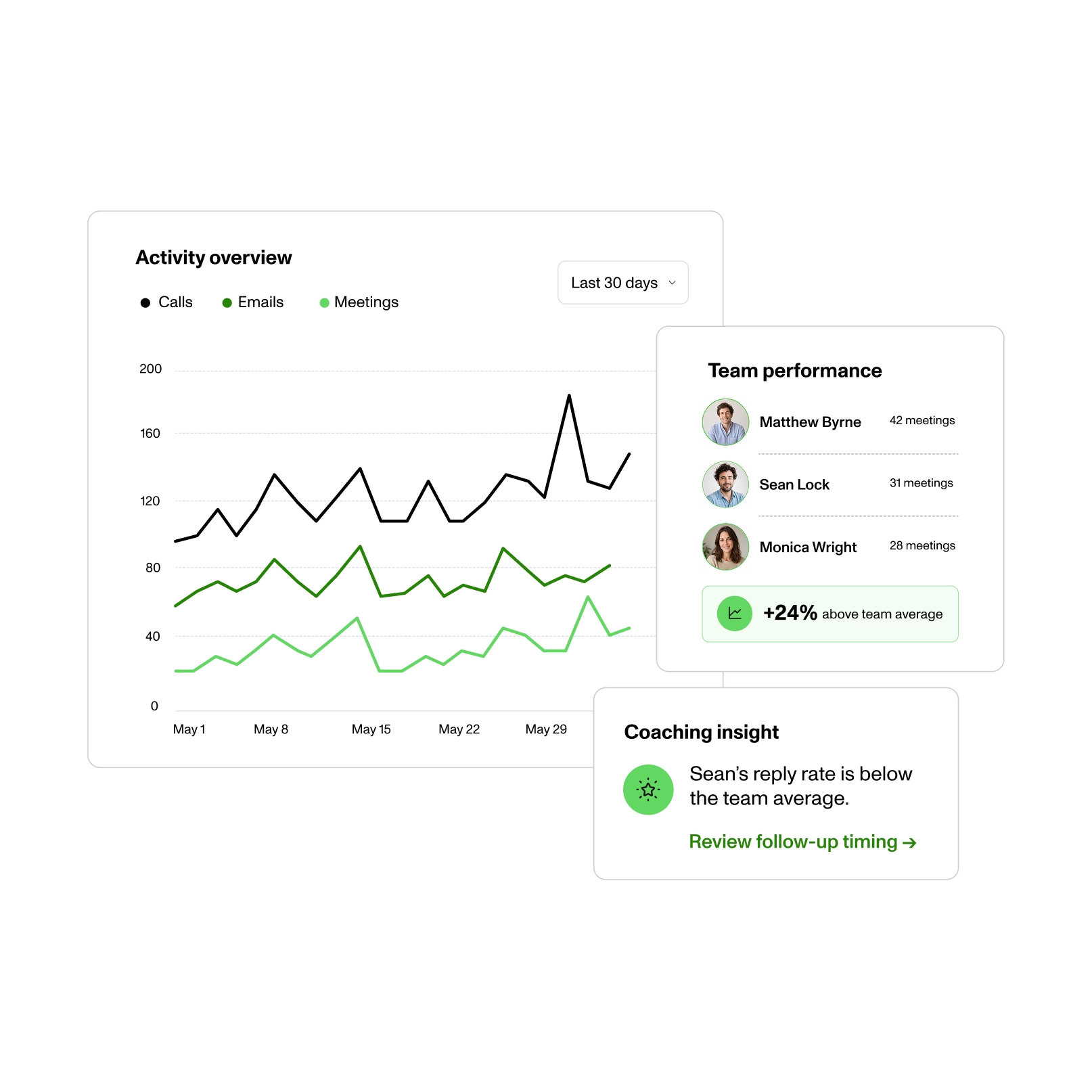
Shared workspace and performance tracking
Zeliq gives your team a shared workspace to manage leads. Assign prospects, track engagement (opens, clicks, replies) and prioritize the most promising opportunities.
Database and multichannel sequences
Once the address is found and verified, Zeliq takes over: multichannel sequences, reply tracking and CRM sync, all from the same platform.

Personalization at scale
Variables such as name, job title, company or specific signals are inserted automatically into your messages. Every message is personalized without slowing the team down.
Built-in lead scoring
Prospects are ranked by engagement (opens, clicks, replies, calls), so you focus your effort on the leads most likely to convert.


CRM and telephony integrations
The Zeliq database syncs with HubSpot, Salesforce, Pipedrive, Aircall, Ringover and more, so your data stays in one place and campaign ROI is measurable.
How does this email finder work?
Three steps, no sign-up, and a verified email at the end.
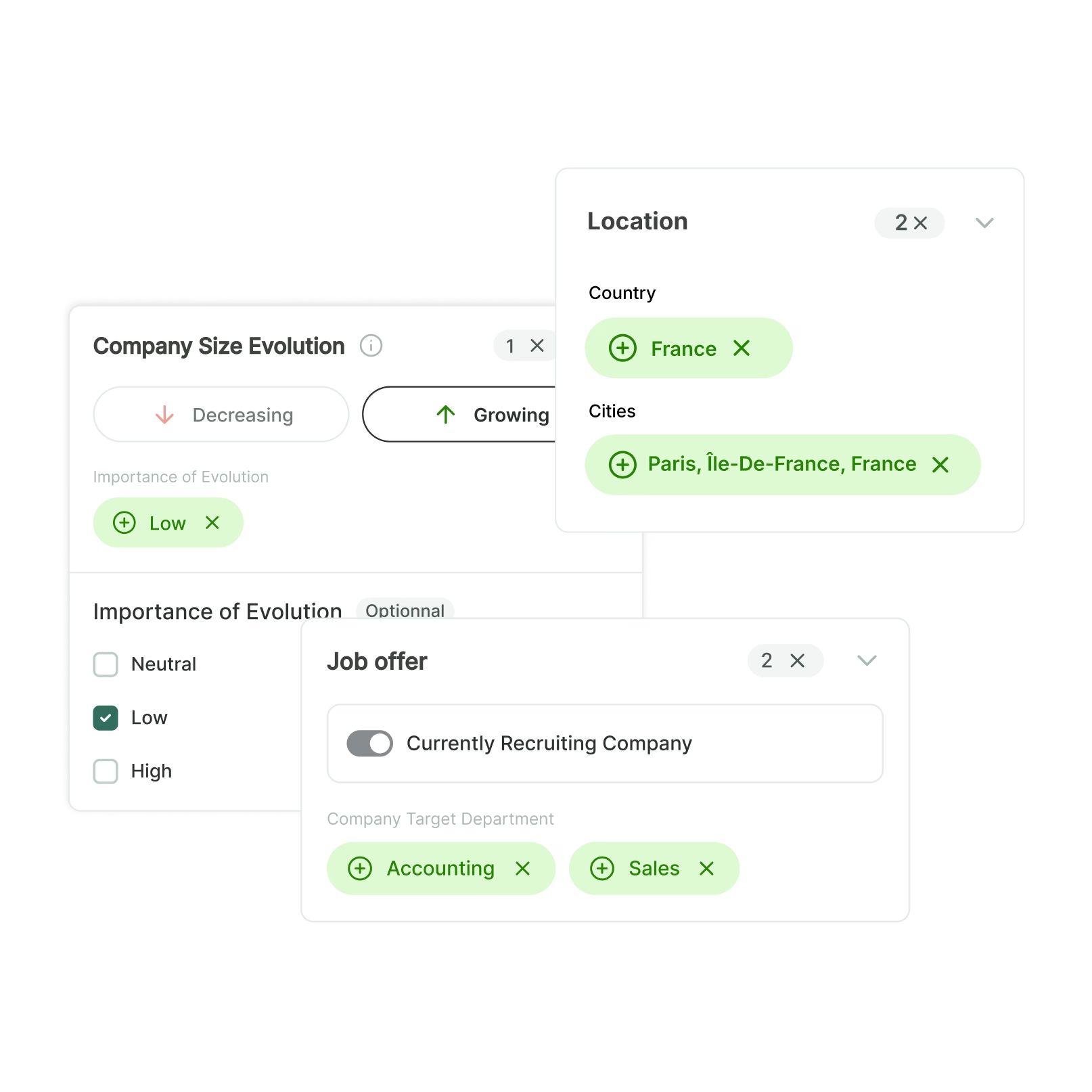
1. Enter the contact
Type the contact's first name, last name and company, or paste the URL of their LinkedIn profile. Pass the captcha and start the email search.
2. The enrichment waterfall kicks in
Zeliq queries more than 40 data providers and cross-checks the sources until it isolates the business email address actually in use. Allow 2 to 3 minutes: accuracy comes before speed.


3. Get the verified address
The email is checked before it is handed to you: domain exists, mailbox is active, catch-all domains are flagged. A verified address protects your bounce rate and your domain's deliverability.

Benefits for your business

Campaigns and their results are managed in one place: contact search, enrichment, sequences and reporting, without switching tools.
Search, enrichment, sequences and reporting run from one account, so prospecting time goes into conversations, not into switching tools.
One platform replaces tool switching, streamlines the workflow and gets the whole team on board.
Verification, compliance and volume: what this email finder covers
Domain validity and catch-all addresses
A likely format does not guarantee an active address. Email verification checks the syntax, the domain and the mail server configuration, then tests the mailbox. Some domains accept every email: these are catch-all addresses, impossible to confirm without a dedicated tool. Zeliq flags these cases and assigns a confidence score to each address before you send, which protects your deliverability and bounce rate.
GDPR compliance for email prospecting
In B2B, you may contact a business address when the message relates to the recipient's role and an easy opt-out is offered. Working with verified, up-to-date data, tracing its source and honoring unsubscribe requests are the foundations of GDPR-compliant prospecting.
From a single search to bulk enrichment
This tool answers a one-off need: one contact, one domain, one verified address. To build full lists, Zeliq enriches your CSV files or Google Sheets, finds verified email addresses from LinkedIn with its Chrome extension, and only charges a credit when a valid email is delivered. You go from one search to bulk email finding without changing tools.
FAQ
Is this email finder really free?
Yes, and no sign-up is needed. One free search per contact, protected by a captcha. Your inputs are used only to find and verify the requested email, in line with GDPR.
Are the email addresses accurate?
Each address comes from the Zeliq enrichment waterfall, which cross-checks more than 40 data sources and verifies that the email exists and accepts mail, including on catch-all domains. You get a verified email address, not a format guess.
How do I find someone's email address from LinkedIn?
Paste the LinkedIn profile URL in the tool above, or use the Zeliq Chrome extension to get the verified business email of a contact directly from their LinkedIn profile, in one click, without leaving the page.
Is B2B email prospecting GDPR compliant?
In the EU, B2B email prospecting is allowed when the message relates to the recipient's professional role and they can easily opt out of future emails. Accurate, up-to-date contact data is essential to that compliance.