
You send emails every day, but could you explain in one sentence what an email actually is, how it travels, or what separates a business email from a personal message? For a salesperson, a founder, or anyone new to digital work, that gap is expensive. A weak subject line, a low-trust sender address, or a missing signature, and the message falls flat. Yet email is still the number one channel in B2B communication.
This article gives you a clear definition of email and everything you need to use it well in a professional setting. Here is what you will learn:
- What an email is and what its components are, field by field.
- How email works technically, without unnecessary jargon.
- The difference between a business email and a personal email.
- The types of business emails and the anatomy of a well-written one.
- How email drives B2B prospecting, plus best practices for 2026.
What is an email? A simple definition
An email, short for electronic mail, is a digital message sent from a sender to one or more recipients over a computer network, usually the internet. Each user has an inbox identified by a unique email address, which can be checked from a computer, tablet, or phone.
An email can carry plain text, but also images, PDF documents, spreadsheets, or video files as attachments. It is one of the most widely used forms of communication for personal, professional, and business purposes.
Its key strength is that it is asynchronous. Unlike a phone call, the recipient does not need to be available at the same time. The message waits in their inbox until they open it. That is what makes email so practical for remote work, different time zones, and any formal exchange that needs a written record.
Email meaning: is it the same as a message?
People often use email and message interchangeably, but they are not identical. A message is any unit of communication: a text, a chat, a direct message on a social platform. An email is a specific type of message: a structured one, sent to an address, that can include a subject line, formatting, and attachments, and that does not require both people to be online. In short, every email is a message, but not every message is an email. For business communication, email remains the standard because it is formal, traceable, and works across organizations.
The parts of an email
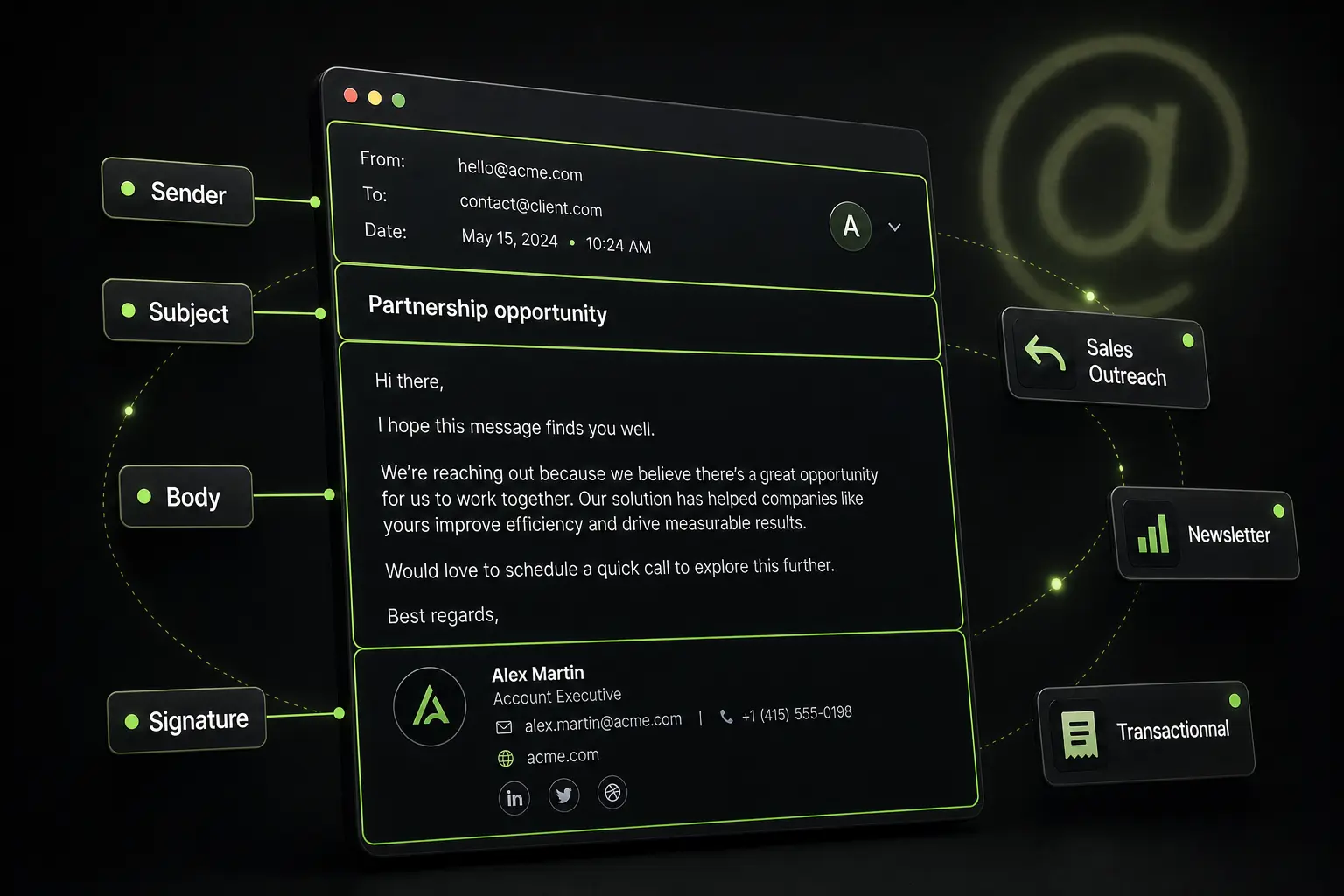
Every email is built from the same set of parts. Knowing them helps you avoid the basic mistakes that undermine a professional message.
| Part | Role | What to watch in a business context |
|---|---|---|
| Sender (From) | The address sending the message | A business address and full name build trust |
| Recipient (To) | The person directly concerned | Ideally one person, for a clear request |
| Cc (carbon copy) | People to keep informed, no action expected | Keep it minimal to avoid noise |
| Bcc (blind carbon copy) | Recipients hidden from the others | Useful for group sends, within privacy rules |
| Subject line | Sums up the content in one line | Largely decides whether the email is opened |
| Body | The message itself | Short, structured, one main idea |
| Signature | Sender identity and contact details | Name, role, company, and one useful link |
| Attachment | Files sent with the message | Mention them in the body, mind the file size |
The sender and the subject line are the first two things visible in an inbox. They decide, in a split second, whether your email gets opened or ignored. The body and signature do the rest of the work once the message is open.
How email works, briefly
You do not need to be an engineer to understand how an email travels. In short, it relies on servers and protocols, standardized rules that let machines communicate.
When you click Send, your email software passes the message to an outgoing server using SMTP (Simple Mail Transfer Protocol). That server reads the recipient’s domain, the part after the at sign in the address, and routes the message to the matching receiving server.
The message then waits on that server until the recipient checks their inbox. Here, two protocols come into play: IMAP, which syncs messages across all devices while keeping them on the server, and POP, an older protocol that downloads messages locally. Most modern email clients use IMAP.
All of this happens in seconds. For business use, the concept to remember is deliverability. An email sent from a properly authenticated domain lands in the inbox. A poorly configured one ends up in the spam folder, where nobody reads it.
Business email vs personal email
A business email and a personal email follow different rules. Mixing them up is one of the most common beginner mistakes.
The address comes first. A business email uses a company domain, such as firstname.lastname@company.com. A professional address builds trust and improves deliverability. A free personal address, by contrast, looks amateurish in a sales exchange and is more likely to be filtered as spam.
The tone comes next. A business email stays polite, structured, and focused on a clear goal. It opens with a greeting, gets to the point, and closes with a sign-off. A personal email allows a looser register, abbreviations, and emojis.
The purpose comes last. A business email exists to move something forward: a request, a follow-up, a proposal, information to share. Every message has an intent. A personal email mostly exists to maintain a relationship.
What is a business email used for?
Inside a company, email is used to coordinate work, keep a written record of decisions, share documents, follow up with prospects, and maintain client relationships. It is an official channel: an email commits its sender and can serve as proof. It is also the entry point of sales prospecting, where it opens the first conversation with potential customers.
Types of business emails
Not all business emails are alike. There are four main categories, each with its own goal.
A transactional email is triggered by a user action: order confirmation, password reset, invoice, receipt. It is expected, and its open rate is very high.
A marketing email, or newsletter, is sent to a list of subscribers to inform, retain, or promote an offer. It requires prior consent and an unsubscribe link.
A prospecting email, also called a cold email, goes to a contact who does not yet know the company. Its goal is to open a sales conversation. It is one of the main growth levers in B2B.
An internal email travels between colleagues: project coordination, status updates, approvals. It works best when it is short and actionable.
Want to see how to structure prospecting emails that actually get replies? Explore how multichannel prospecting sequences combine email, LinkedIn, and calls.
Anatomy of a professional email
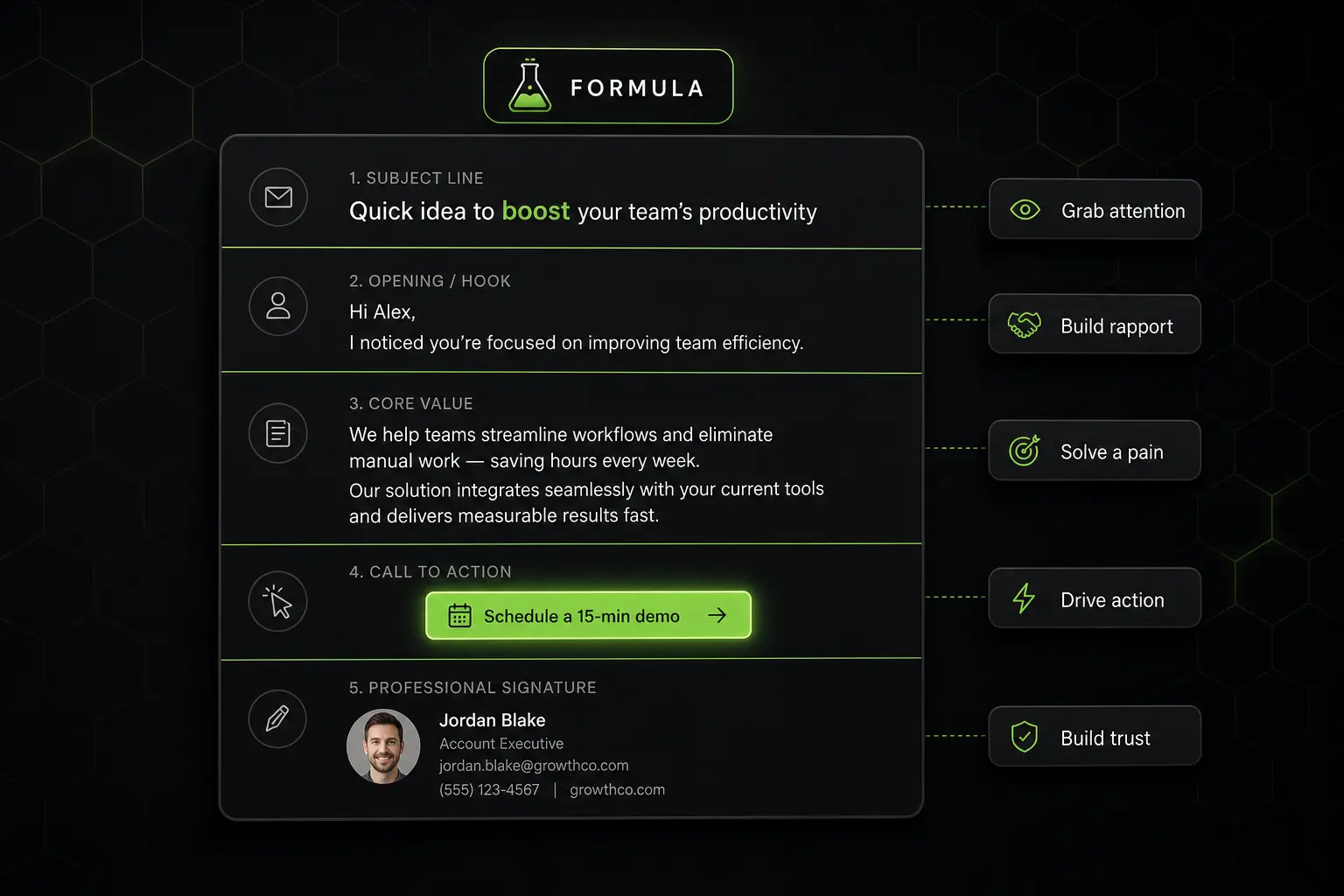
An effective business email follows a simple structure. Five elements, in this order.
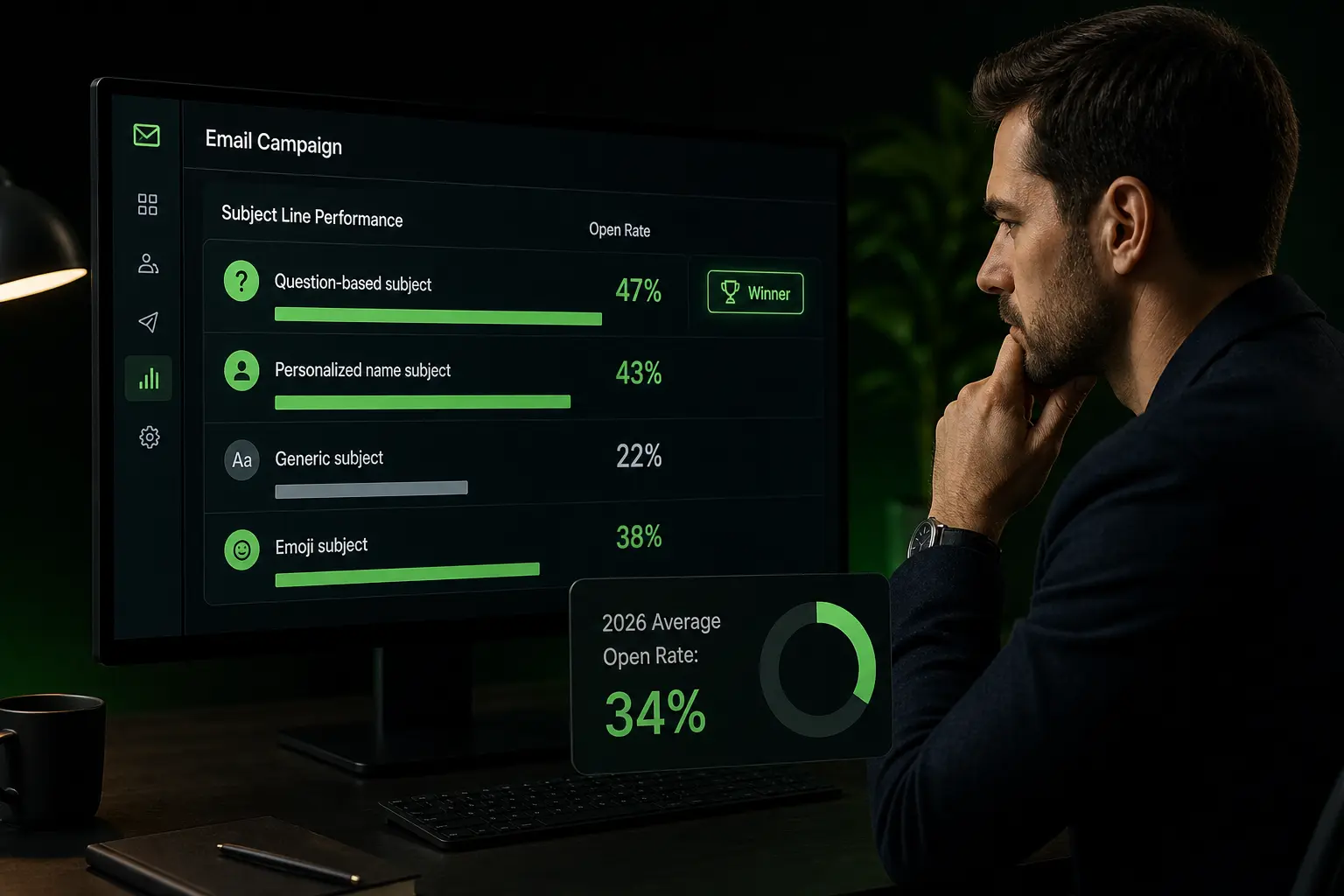
The subject line. Short, specific, no shouting capitals or strings of exclamation marks. It states the content and gives a reason to open. For example, “Quick question about your sales team” beats “AMAZING OFFER INSIDE”.
The opening line. The first sentence, visible in the inbox preview. It should show the message is genuinely meant for this recipient, not for an anonymous list.
The body. One main idea, in a few short sentences. You give context, you make your request, you stay concrete. A business email longer than five or six sentences loses impact.
The sign-off. “Best regards”, “Kind regards”, “Thanks” depending on the level of formality. It closes the message cleanly.
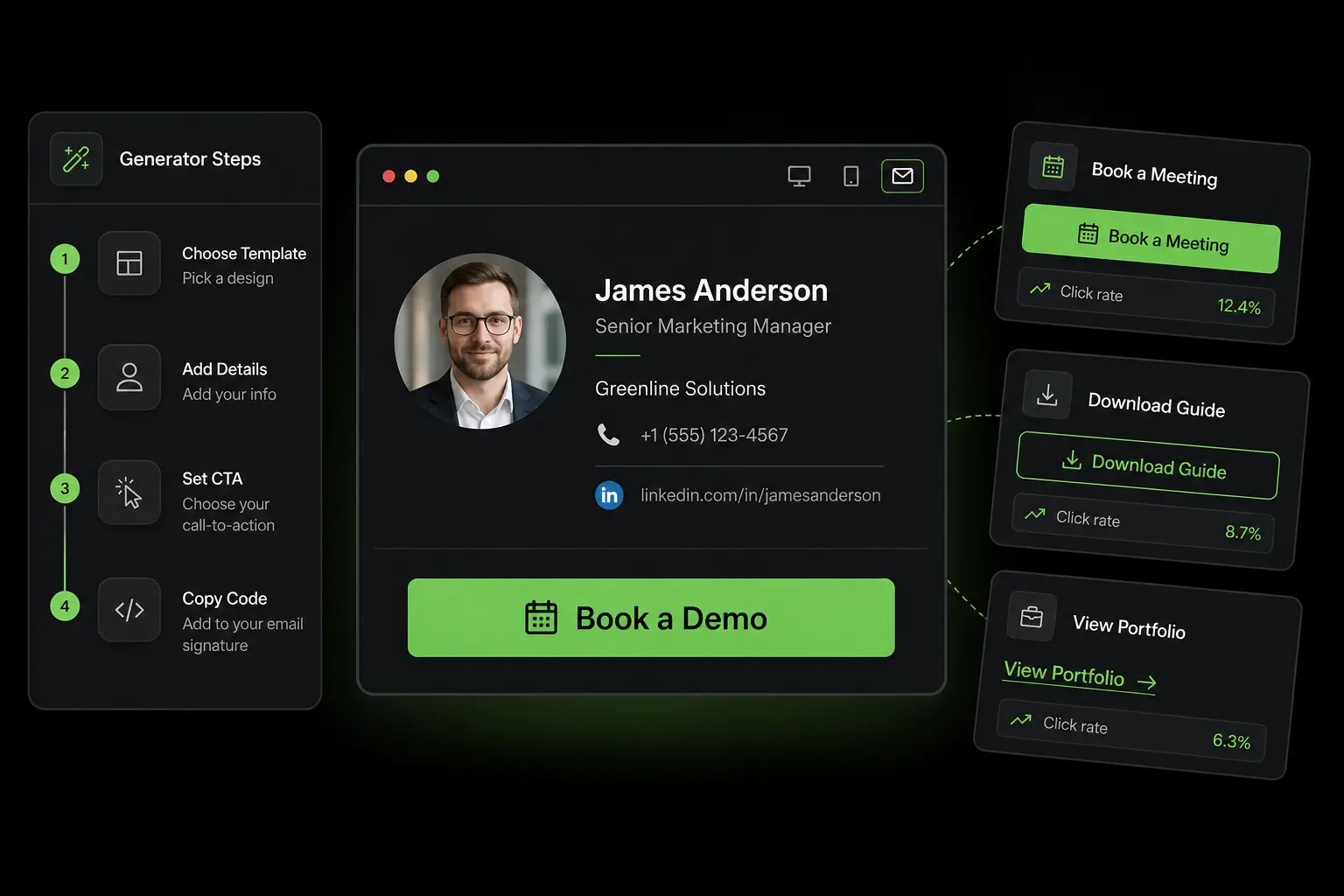
The signature. Name, role, company, and optionally a phone number or a useful link. It confirms your identity and makes it easy to get in touch.
One last reflex: a professional email should carry a single call to action. What do you want the recipient to do after reading? Reply, book a slot, approve a document? Say it clearly.
Email in B2B prospecting
In B2B prospecting, email is the starting point of the commercial relationship. A cold email means contacting a prospect who does not know you, with a personalized message, to open a conversation. Done well, it feeds the pipeline without relying solely on referrals or paid ads.
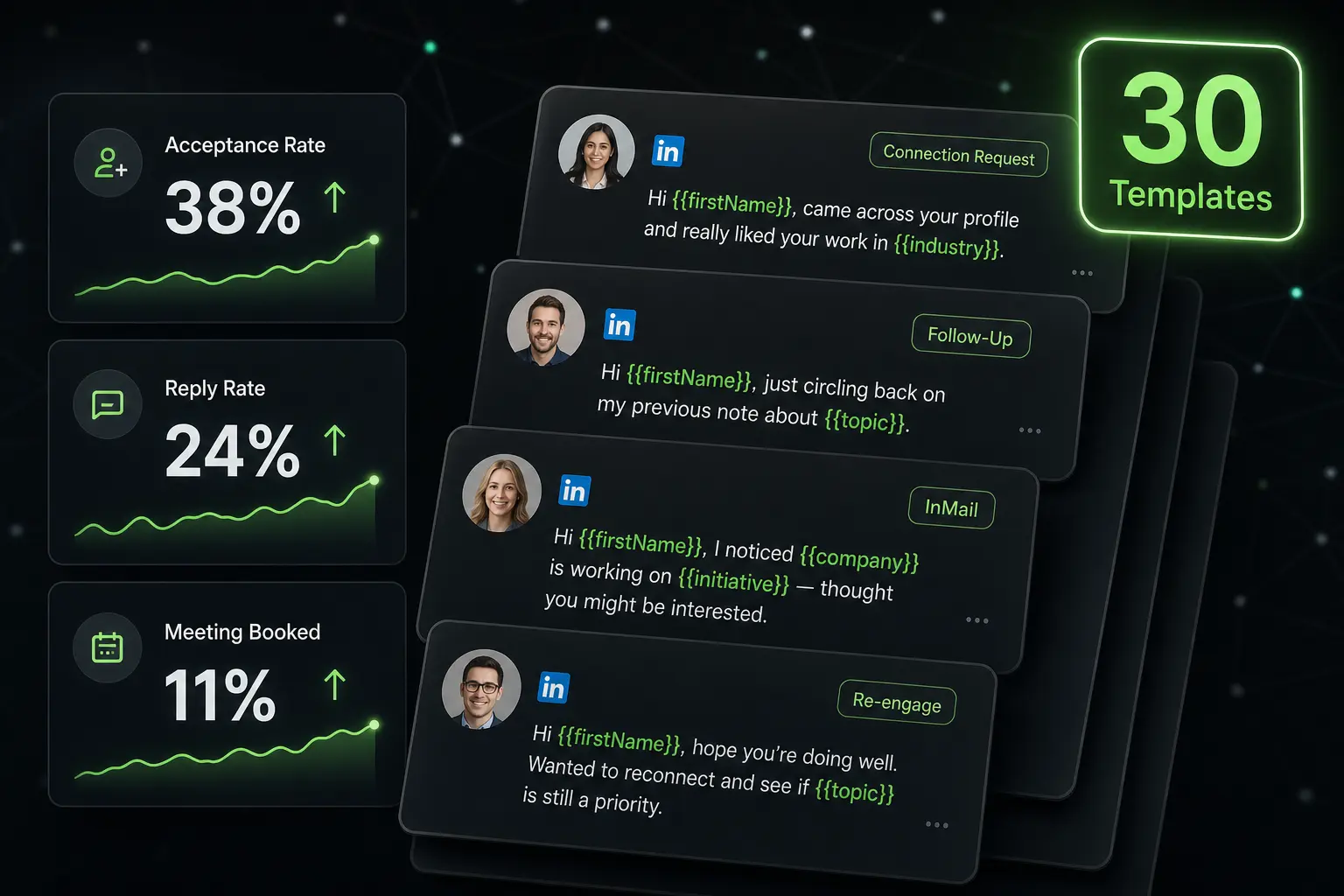
But a single cold email rarely gets a reply. That is why sales teams work in sequences: a series of messages spaced over time, often combined with other channels like LinkedIn or phone. A sequence gives the prospect several chances to respond, without harassing them.
Three conditions make the difference in email prospecting:
- Data. An email sent to a wrong address is wasted. The quality of your contact base shapes everything else. A B2B data enrichment tool helps you get verified addresses instead of guessed ones.
- Targeting. Ten emails sent to the right people beat a hundred sent at random. A B2B lead database filtered by role, industry, and buying signals avoids spray-and-pray prospecting.
- Personalization. A generic email is spotted instantly. A concrete reference to the prospect, their company, or their recent news changes the reply rate.
For a business developer, mastering the prospecting email is not optional: it is the core of the job.
Best practices for business email in 2026
A few simple rules clearly improve the impact of your professional emails.
- Work on the subject line. It is the first filter. Short, clear, honest.
- Get to the point. An email that reads in under thirty seconds gets more replies.
- One ask per email. Packing several topics into one message dilutes the response.
- Proofread before sending. A typo or a wrong first name damages credibility.
- Check attachments. Mention them in the body, and confirm they are actually attached.
- Authenticate your domain. SPF, DKIM, and DMARC protect your deliverability. Without them, your emails risk the spam folder.
- Space out follow-ups. A polite follow-up after a few days is normal. Three follow-ups in two days is not.
Email and the law: CAN-SPAM and GDPR
Commercial email is regulated, and the rules differ by region. In the United States, the CAN-SPAM Act requires honest headers and subject lines, a clear identification of the message, a valid physical address, and a working way to opt out. In Europe, the GDPR applies: you need a legitimate basis to contact a person, the email must relate to their professional role, and every message must allow a simple unsubscribe. In both cases, you should be able to say where the data came from and delete it on request. A serious prospecting tool works with compliant data, which spares you from checking every contact by hand.
Worked example: rebuilding email usage across an 8-person sales team
Take a typical B2B SaaS sales team (5 AEs + 3 SDRs, $8M ARR, mid-market tech). Pre-rebuild, the team’s email usage was fragmented: non-standardized signatures, generic subject lines on 60 percent of outbound messages, no follow-up policy, no open tracking, and three sending domains mixed together (named inboxes + alias accounts + main domain).
The audit surfaced three invisible losses: 1) Gmail Workspace deliverability at 73 percent (vs 89 percent expected for a clean B2B sender), 2) average writing time per commercial email at 11 minutes per AE (vs 4 minutes with a template), 3) follow-up reply rate at 1.1 percent because messages never referenced the prior email thread.
Action: 4 days of RevOps to standardize. Dedicated templates (first contact, follow-up 1, follow-up 2, post-demo), harmonized signatures with tracking, separation of sending domains (named for warm conversations, dedicated for cold outbound), continuous SPF / DKIM / DMARC monitoring, 2 half-day training sessions for the 8 reps.
| Metric | Before rebuild | After rebuild | Delta |
|---|---|---|---|
| Gmail deliverability (inbox placement) | 73% | 91% | +18 pts |
| Outlook 365 deliverability | 68% | 88% | +20 pts |
| Avg time per commercial email | 11 min | 4 min | -64% |
| Email-writing hours reclaimed / month (team) | , | +112 h | +112 h |
| Follow-up reply rate | 1.1% | 3.4% | +2.3 pts |
| Active conversations / month (team) | 48 | 102 | +54 |
| Monthly pipeline generated | $156K | $268K | +$112K |
The sharpest lever is not raw pipeline (which follows), it is time reclaimed: 112 hours per month redirected into qualifying conversations instead of email formatting. At that rate, the team handles 54 additional conversations per month. At an average deal size of $12K ARR and 22 percent AE win rate, that translates to roughly 12 additional new customers per year, or $144K incremental annual ARR.
Cost of the operation: 4 days of senior RevOps at $700 = $2,800, plus tracking tooling ($1,000 / year). Year-1 total: $3,800. Cash ROI over 12 months: ($112K × 12) / $3,800 = capped at roughly 8× the cost on the marginal delta. The lesson: defining a team-wide email usage often beats most individual copy optimizations on raw pipeline impact.
Email vs other channels: LinkedIn, SMS
Email is not the only professional communication channel, and it is not always the best one. LinkedIn suits an informal first approach and networking. SMS is more direct and works for a reminder or a confirmation, but it is intrusive and poorly received for a first cold contact.
Email keeps several advantages: it carries a long, structured message, it accepts attachments, it leaves a written record, and it imposes nothing on the recipient, who replies whenever they want. In prospecting, the best approach does not pit these channels against each other: it combines them into a coherent sequence, where email carries the substance and the other channels add complementary touchpoints.
Turn theory into action
Keep the essentials: an email is a digital message built around a few stable components, and a business email stands out through its address, its tone, and its intent. Mastered well, it remains the most reliable channel to move something forward or open a commercial relationship.
The concrete action to take today: pull up the last business email you sent and check it point by point. Clear subject line? One single ask? Complete signature? Explicit call to action? That simple audit improves your next sends right away.
Turn email into prospecting that converts
Zeliq finds, enriches and engages B2B prospects from one platform. Account created in 2 minutes, no credit card.
Book a demoAnd if prospecting becomes a serious priority for you, the next step is to compare the Zeliq plans to find the tool that fits your email volume and your team.
And if you want professional email to become a conversion channel rather than a black box again, try Zeliq for free and combine verified enrichment with calibrated sequences in a single platform.
Zeliq and B2B email as a conversion channel
Professional email remains the #1 B2B prospecting channel, provided it’s enriched and sequenced. Zeliq combines 450 million verified B2B contacts, multichannel sequences and GDPR compliance in a single platform. Your emails convert rather than clutter inboxes.