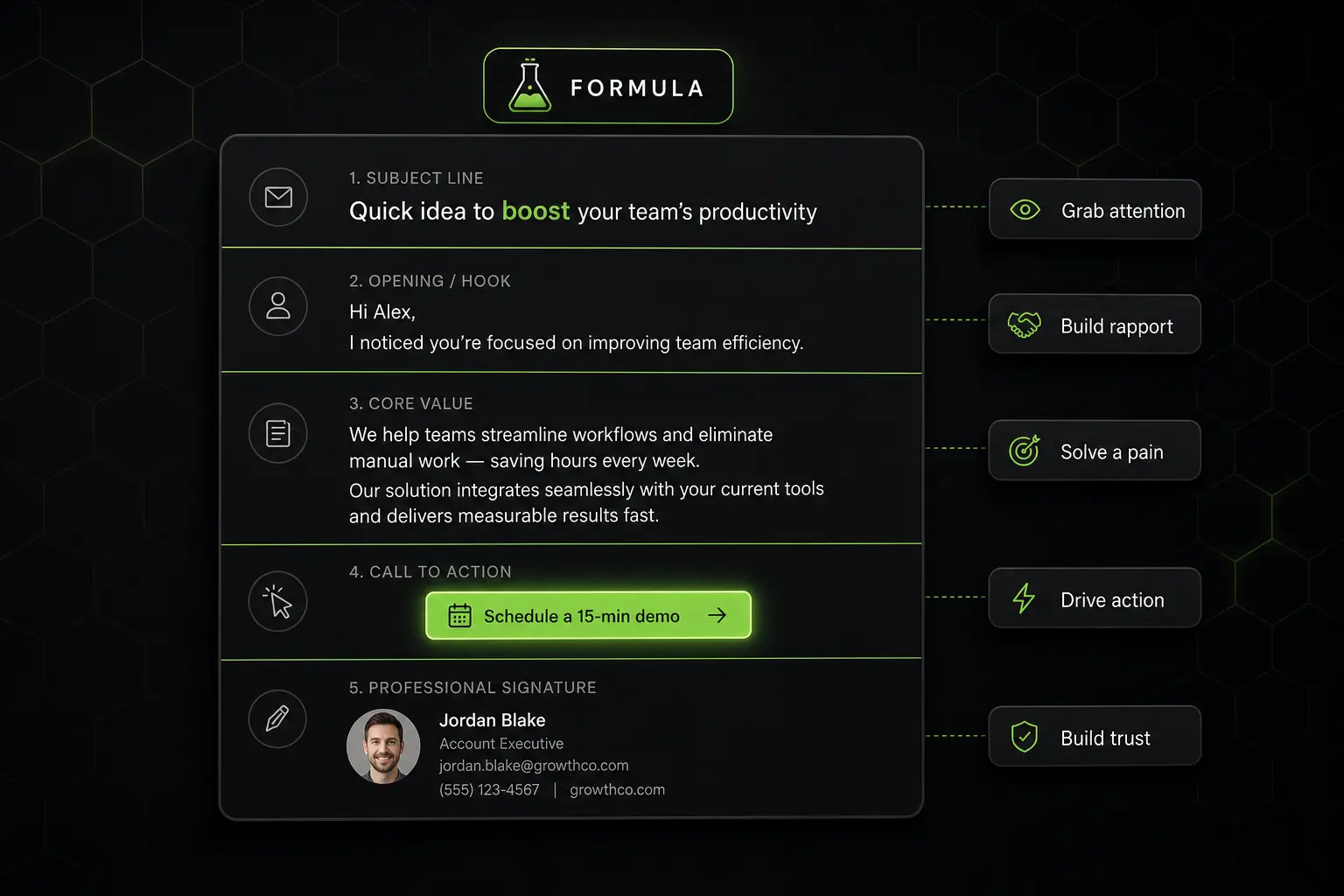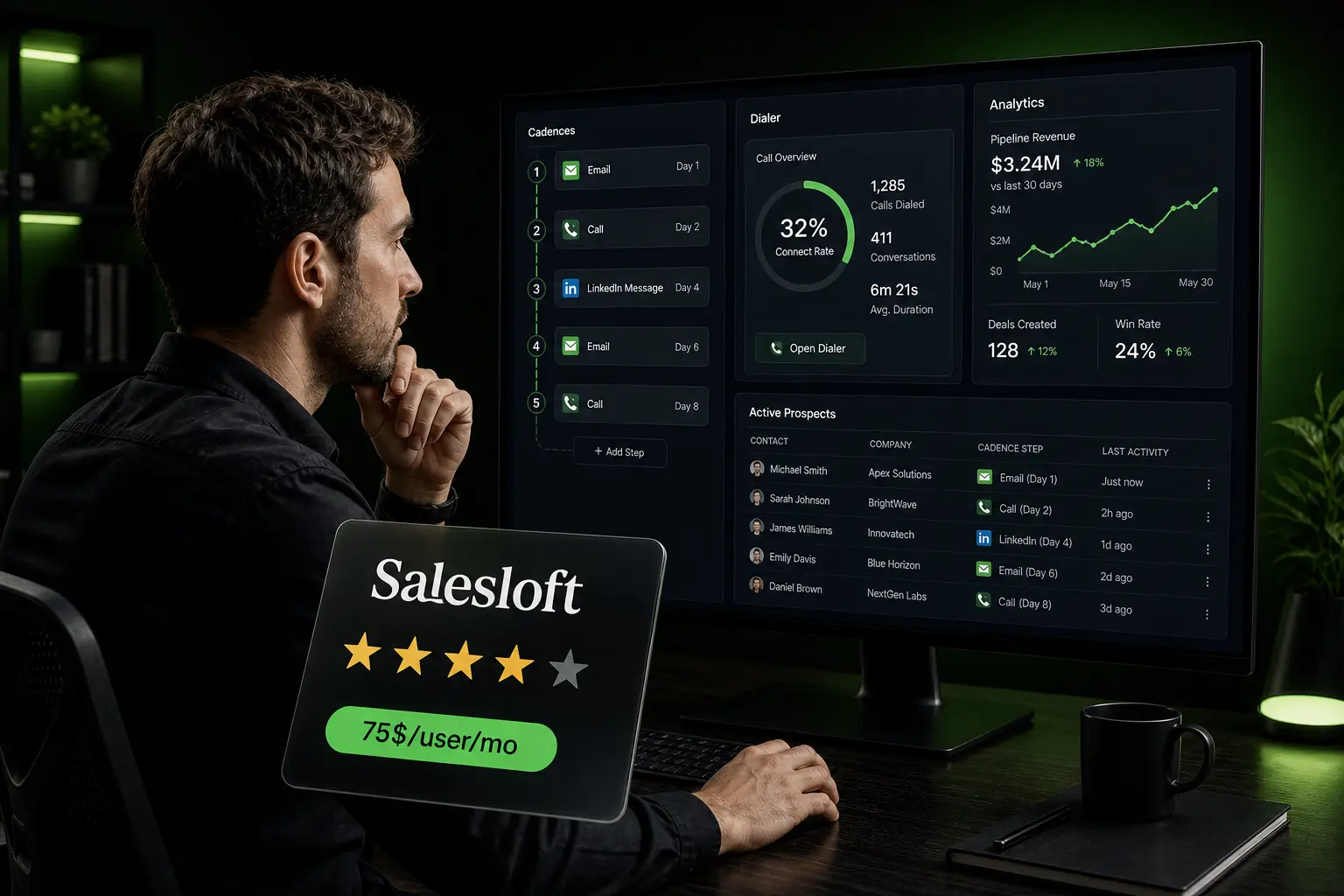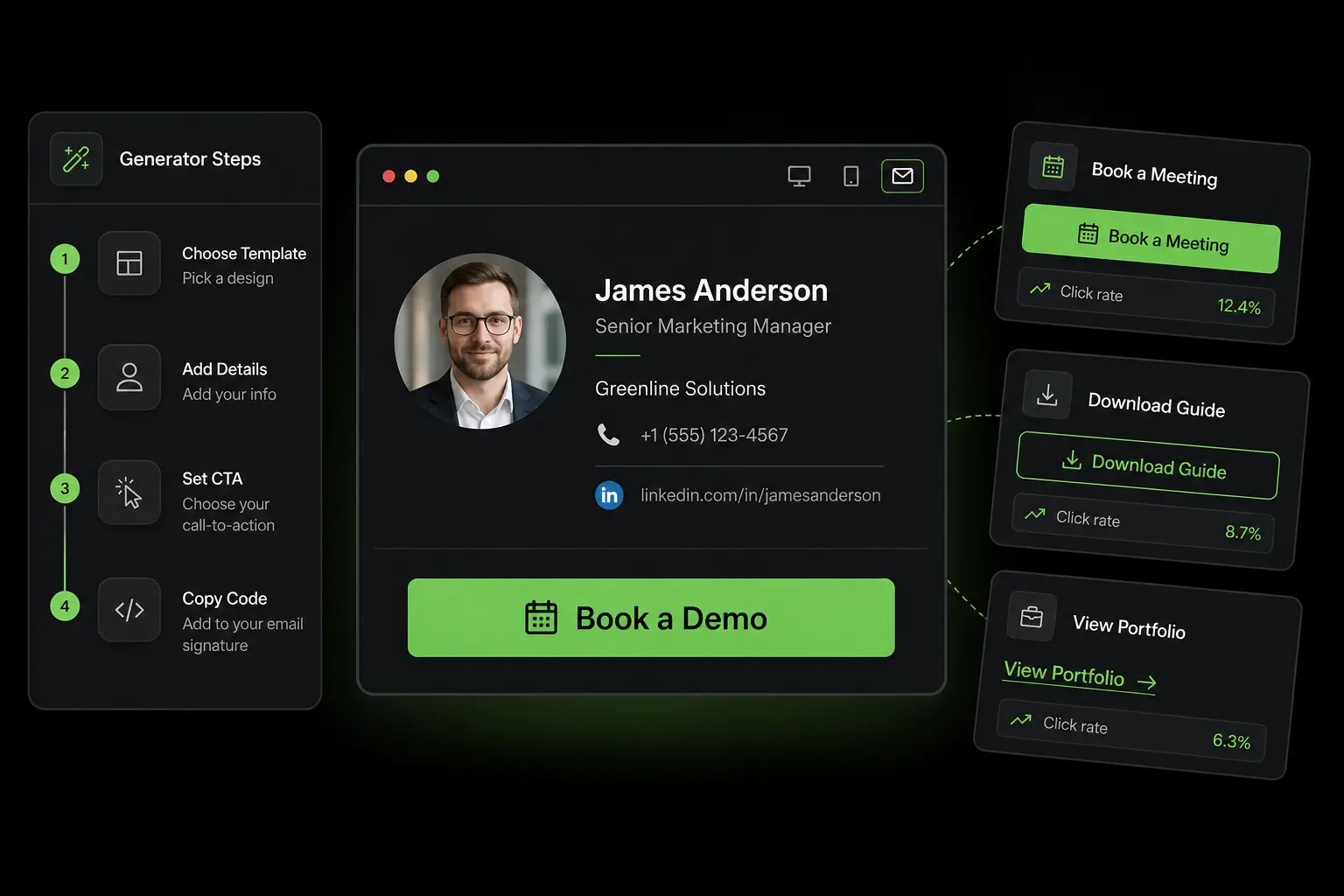

Your signature is the most-sent element of all your professional communication. A salesperson sending 80 emails a day signs 1,600 times a month, 19,200 times a year. At that scale, every line of the signature becomes a micro marketing asset. Done well, it converts. Done badly, it adds weight, breaks mobile display, or worse, damages the brand.
Yet most professional signatures are improvised in five minutes on day one, never revised, and bring in nothing. This guide explains how to build a signature that actually serves your goals: components, mobile-first design, strategic CTAs with their measured click rates, a comparison of the main generators on the market, compliance, a worked cost example.
What you’ll find:
- What a signature generator is and why use one
- The components of a good professional signature
- The 2026 numbers: why the signature truly matters
- Strategic CTAs by use case and their measured click rate
- The tool comparison: WiseStamp, Newoldstamp, HubSpot, HoneyBook, MySignature
- The worked example: manual signature vs centralized management
What is an email signature generator
An email signature generator is an online tool that turns your information (name, role, company, contact details, logo) into a formatted HTML block you paste into your mail client settings. The goal is threefold: produce a consistent render across Gmail, Outlook, Apple Mail and major mobile clients; avoid the display bugs linked to poorly written HTML; and let a whole team share the same template for a unified brand image.
Without a generator, two options remain, both bad. Either you write the signature by hand in Gmail’s text field, and you get a flat signature with no logo, no clickable element, no visual consistency. Or you hack together your own HTML, and you discover that what displays well in Gmail collapses in Outlook 2019, because the two clients do not support the same CSS. The generator solves both problems at once.
Why the subject is not trivial
A signature is a mini-billboard sent thousands of times a month per person. A sales team of 30 SDRs sending an average of 50 emails a day signs 31,500 times a month. If 1% of recipients click on the strategic link placed in the signature, that’s 315 free monthly clicks, with no acquisition cost or media spend.
That is why growth, RevOps and Marketing teams now invest in centralized signature management tools. What was treated as office trivia becomes a measurable acquisition channel.
The components of a good professional signature
An effective signature fits in 5 to 7 lines maximum. It contains what’s needed to identify the person and enable an action, without drowning the recipient.
| Element | Status | Why |
|---|---|---|
| First + last name | Essential | Primary identification |
| Role | Essential | Credibility, frames the conversation |
| Company | Essential | Link to the organization, branding |
| Direct phone number | Recommended | Enables synchronous contact |
| LinkedIn profile link | Recommended | Identity verification, social proof |
| Company website URL | Recommended | Discovery by curious recipients |
| Company logo | Optional | Visual branding, provided it’s light |
| Pronouns (he/she/they) | Optional | Courtesy, growing in large enterprises |
| Strategic CTA (calendar, demo) | Marketing lever | See dedicated section |
| Legal disclaimers | As required | GDPR, regulated sectors (health, finance, legal) |
| Quote or author phrase | To avoid | Adds weight with no value |
| Multiple social media icons | To avoid | Disperses attention, dilutes main CTA |
The golden rule, formulated by email marketing designers: if an element does not help the recipient reach you or understand who you are, it adds weight to the signature for nothing.
The 2026 numbers: why the signature truly matters
Several quantitative studies published in 2025-2026 have measured the real impact of a well-thought-out signature. The orders of magnitude to know:
- 60% of B2B emails are now opened on mobile, which makes a signature readable and clickable on a small screen the top priority before any other criterion.
- The average click rate on an optimized B2B signature sits around 21%, against less than 2% for a plain text signature with no explicit CTA.
- A single-column, left-aligned layout generates a CTA click rate 3 times higher than multi-column layouts with side panels.
- A strategic CTA (booking link, case study) converts 40% better than a generic “contact me”.
- Embedded calendar links (Calendly, Cal.com, SavvyCal, HubSpot Meetings) show an average click rate of 26%, one of the top-performing CTAs in B2B signatures.
These figures are not anecdotal. At typical send volumes for a sales team, the gap between an optimized signature and an improvised one represents dozens of booked meetings a month with no extra marketing budget.
Design rules that work
Documented A/B tests converge on a few principles:
- 14 to 16 pixel font for body text, readable without zoom on mobile
- Maximum width 600 pixels, the responsive email design standard
- Minimum contrast ratio 4.5:1 between text and background, WCAG 2.1 accessibility requirement
- PNG or SVG logos under 50 KB, to keep the email light and ensure mobile loading
- Single-column layout for the CTR reasons mentioned
- Test on Outlook desktop, Gmail web, Apple Mail iPhone, Outlook Android before team deployment
Ignoring these rules risks the signature being broken, unreadable or ignored for a significant share of recipients.
A sending infrastructure that complements your signature
The signature matters, but it does not replace sequence orchestration. Zeliq drives your multichannel sends and measures clicks, signature included. Explore multichannel prospecting.
Strategic CTAs by use case and their click rate
CTA space in a signature is limited: one main CTA performs better than two or three in parallel. The right choice depends on your main goal.
| CTA type | Average click rate | When to use |
|---|---|---|
| Calendar booking link | ~26% | Direct sales cycle, meeting-oriented goal |
| Link to customer case study | ~22% | Mid-funnel, social proof |
| Digital business card | ~28% | Networking, events, commercial setting |
| Link to free resource (white paper) | ~19% | Top-of-funnel, lead capture |
| Link to product demo or free trial | ~17% | SaaS, short cycle |
| Social link (LinkedIn) | ~12% | Personal branding, social selling |
| Generic “Contact me” button | ~8% | Weak, to avoid |
The calendar link is one of the most effective CTAs for a sales team, because it turns a curious recipient into a meeting with no intermediate step. The standard tools on the market: Calendly (the best known), Cal.com (open source), SavvyCal, HubSpot Meetings (integrated with the CRM), Microsoft Bookings (Office 365).
The customer case study is particularly suited to interested but not-yet-ready profiles. It provides concrete proof and moves the recipient down the funnel.
The digital business card (NFC or QR code) is gaining ground in 2026, especially in field and event contexts. Reference solutions include HiHello, Popl, Wave Connect, Linq.
Comparison of the main signature generators
The market counts a dozen serious tools, with distinct positioning. Here are the main ones.
| Tool | Positioning | Ideal target | Notable point |
|---|---|---|---|
| WiseStamp | Historical reference, rich on options | Small businesses 1-50 people | 15,000+ enterprise customers, G2 High Performer EMEA 2025 |
| Newoldstamp | Centralized team management | Mid-market 20-500 people | Central admin, multi-user deployment |
| HubSpot Email Signature Generator | Free, integrated with HubSpot CRM | HubSpot users | Simple, no advanced options |
| HoneyBook Signature | Very fast, pro design | Independents and freelancers | Setup in 30 seconds |
| MySignature | Good feature/price ratio | Small teams | Modern templates, Gmail/Outlook integration |
| MySigMail | Open source, no signup | Technical users | Free, full HTML control |
| Sigstr (by Terminus) | ABM and integrated marketing | Mature marketing teams | Per-campaign personalization, MAP integration |
| Exclaimer | Enterprise and compliance | Large companies 200+ people | Centralized management, legal compliance |
How to choose by team size
The right tool depends on the number of users and the need for centralization.
- 1 to 10 users: a lightweight tool like WiseStamp, HubSpot or MySignature is enough. Each user sets up their signature, the team shares a visual template.
- 10 to 50 users: centralization becomes useful. WiseStamp Teams, Newoldstamp or MySignature Team let an admin push a common signature and update it for everyone.
- 50 to 500+ users: Newoldstamp, Exclaimer or Sigstr are required. Large-scale management, compliance (GDPR, mandatory legal disclaimers), per-department personalization and IT system integration become critical.
The 5 mistakes that ruin a signature
Five patterns come up constantly and cost on CTR, on deliverability and on image.
The wall of text. A 15-line signature with a quote, legal disclaimers, three social icons, two numbers and a tagline. The reader no longer reads, and the signature itself can take up more pixels than the message. Cut it, no regrets.
Heavy images. A 500 KB HD logo inflates every email, slows mobile loading, and can trigger spam filters if the image exceeds the acceptable text/image ratio. Compress to under 50 KB or drop the logo.
Multiple social icons. Six networks shown in a row create visual noise and dilute the main CTA. Pick the most useful channel, often just one (LinkedIn for B2B).
Fancy fonts or loud colors. The signature should blend into the email design, not distract from the content. One accent color is enough, aligned to your style guide.
Sprawling disclaimers. Barring real requirements (law firms, regulated financial advice, healthcare), a block of disclaimers at the bottom of every email dilutes the message. Stick to the strict legal minimum.
Worked example: manual signature vs centralized management
A US-based B2B mid-market company with 30 salespeople wants to harmonize its signatures. Two options.
Option A: manual signature, each on their own
- Direct cost: $0
- Initial setup time per user: 30 minutes × 30 = 15 hours
- Update at each change (new role, new number, logo refresh): ~3 times a year, 15 minutes per user × 30 × 3 = 22.5 hours per year
- Visual consistency: low, drifts over time
- GDPR risk if disclaimers go stale: present
- Inability to measure signature CTR
Option B: centralized generator (e.g. Newoldstamp or Sigstr)
- Typical annual subscription: ~$30-50 per user per year, i.e. $900-1,500 per year for 30 people
- Admin setup time: 4 hours
- Updates: centralized, 30 minutes per change for 30 people instead of 7.5 hours
- Visual consistency: perfect, style guide respected
- GDPR compliance: centralized
- CTR measurement: built in, dashboard
Bottom line. Over a year, option B costs ~$1,100 but saves about 20 hours of cumulative time (equivalent to ~$700 in loaded hourly cost). At this stage, the calculation is close to neutral on direct cost. The real upside of option B is elsewhere: CTR measurement on signatures, which reveals which CTAs actually work and allows testing on statistically significant volume. On the team’s 31,500 monthly sends, capturing 1% extra clicks on a meeting calendar represents 315 monthly clicks, and likely 10 to 30 qualified meetings with no media budget. That is the real ROI.
Signature and outreach: strategic use
For a salesperson, the signature is not an admin block, it is a recurring acquisition channel. Three strategic uses stand out.
The calendar link as the primary CTA. An interested prospect no longer has to ask for a slot, they book one in two clicks. It is the CTA that produces the most direct conversion.
The discreet social proof. A line “+200 clients served” or “Used by Stripe, Notion, Airbnb” adds credibility to every email without intrusion. It is free and permanent.
Per-segment personalization. Centralized tools let you push a different signature depending on the targeted persona: a rep prospecting startup CEOs does not use the same signature as one addressing industrial Heads of Procurement. CTA relevance goes up, and CTR with it.
At team scale, this logic of the signature as an acquisition micro-channel justifies investing in a dedicated tool. It is one of the last conversion levers left without additional media budget.
Compliance and accessibility: what to respect
A professional signature follows several regulatory frameworks.
The GDPR requires any personal data processing to rest on a lawful basis. A signature that includes a newsletter unsubscribe link must keep it active. Mandatory legal disclaimers vary by sector: lawyers (bar registration), accountants (order number), banking/finance (regulator ID).
WCAG 2.1 accessibility requires a minimum 4.5:1 contrast between text and background for screen readers and visually impaired users. Light gray text on a white background, common in “design” signatures, often fails this rule.
Anti-spam compliance (CAN-SPAM in the United States, European equivalents) requires a physical postal address of the sender in commercial emails. For a marketing team sending newsletters, it’s mandatory. For standard commercial correspondence, it’s recommended.
How Zeliq complements the setup
A well-built signature reinforces every email, but it is the whole prospecting setup that produces measurable results. Zeliq orchestrates your multichannel sequences (email + LinkedIn), tracks opens, clicks and replies, and lets you attribute each conversion to a specific send. You see which emails trigger a click on your booking link (placed in the signature or as the main CTA of the message), which subject lines get opened, which sequences convert. For a Business Developer or a sales manager, that is the guarantee of turning marketing intuition into measured steering. And the associated prospect database, more than 450 million professional contacts, feeds your sequences with verified contact details through B2B data enrichment.
Make your emails speak beyond the signature
Zeliq orchestrates your outreach sequences and measures what converts, including clicks on your signature CTAs. Account created in 2 minutes, no credit card.
Try for freeWhat is the best free email signature generator?
HubSpot Email Signature Generator is today the most-used free generator, because it offers professional templates, immediate Gmail and Outlook integration, and requires no signup for basic use. For those who want HTML control, MySigMail is open source and 100% free. For team use, these free options quickly show their limits: no centralization, no CTR measurement, no bulk updates. Beyond 5 users, a paid tool like WiseStamp Teams or MySignature becomes more cost-effective.
What is the ideal size of an email signature?
5 to 7 lines maximum, or 80 to 120 words, for quick reading on mobile. The width should not exceed 600 pixels to respect the responsive standard. Beyond that, the signature becomes a wall of text that dilutes the message and increases the risk of being truncated or rendering poorly on some mail clients. Conciseness is one of the most solid predictors of click rate.
How do I add a booking link to my signature?
Choose a calendar tool (Calendly, Cal.com, SavvyCal, HubSpot Meetings, Microsoft Bookings), create a public link matching your availability, then insert it in your signature as a CTA button or hyperlink on a call-to-action phrase (“Book a slot”). Generators like WiseStamp and Newoldstamp offer templates with a pre-configured CTA button for calendars. The average click rate on this CTA type in B2B signatures sits around 26%.
Zeliq and consistent commercial identity
A consistent email signature is the visual minimum for a sales team. But without verified recipient enrichment and calibrated sequences, it’s cosmetics. Zeliq combines 450 million enriched B2B contacts and multichannel sequences to put every signature to work in a complete flow.
See how Zeliq puts your signature to work in a complete flow
Conclusion: three actions to optimize your signatures this week
The email signature is one of the last free acquisition levers in a B2B sales stack. Three concrete actions to put in place.
- Audit your current signature: does it fit in 5 to 7 lines, is it readable on mobile, does it carry a single strategic CTA? If the answer is no to any of these, redesign it this week.
- Pick a single primary CTA: a calendar link if your cycle is short, a case study if your cycle is long. Avoid stacking multiple CTAs that cancel each other out.
- Measure CTR over 30 days: if you use a centralized team generator, enable click tracking. On a team of 10 salespeople or more, you will quickly identify the CTAs that perform and those to test differently.
To drive your whole prospecting setup (signature + sequence + reply tracking) in a single platform, see Zeliq pricing.
And if you want your email signature to fit into a complete prospecting workflow, try Zeliq for free and connect branding, enrichment and sequences in one platform.