Add a Contact to a Sequence


One sentence to your AI assistant and your prospect joins the right Zeliq sequence. Only this contact starts; nothing else changes.
Adding a prospect shouldn't break your flow
You just spotted the right contact: they fit the sequence you're running. To add them, you have to open Zeliq, find the sequence, search for the contact, enroll them. Nothing hard, but enough to put it off. And a prospect you put off is often a prospect you forget.
With the Zeliq MCP, you enroll them in one sentence. Only this contact starts; the rest of the sequence stays the same.
The prompt to copy into your AI assistant
Add [contact] to my sequence [name].
What Zeliq does behind the scenes
- Finds the contact in your Zeliq workspace.
- Finds the sequence by name.
- Asks you to confirm the contact and the sequence. [to validate: systematic confirmation on the assistant side]
- Enrolls the contact, who starts at the first step.
What you get
The contact is in the sequence; the other contacts and the steps don't change. Heads up: an active sequence sends on the schedule you set, so check the contact and the sequence name before you confirm.
Three variations to go further
- Several contacts: "Add these 10 contacts to my sequence [name]."
- Remove a contact: "Remove [contact] from the sequence [name], they replied by phone." [to validate]
- Chain the steps: "Find the CFO at [company], get their email and add them to my sequence [name]."
Who is it for?
- SDR / BDR: to add prospects as you spot them.
- AE: to put a secondary contact on a deal into a nurturing sequence.
- Sales manager: to feed the team's sequences. [to validate: permissions on other people's sequences]
Pairs well with
- Find the decision-makers at a target account in one sentence
- Create a prospecting sequence from your AI assistant
- Personalize every email in a sequence
FAQ
Are the other contacts in the sequence affected? No, only the added contact starts.
Does the first message go out right away? If the sequence is active, yes, on the schedule you set. If it's paused or not launched yet, nothing goes out.
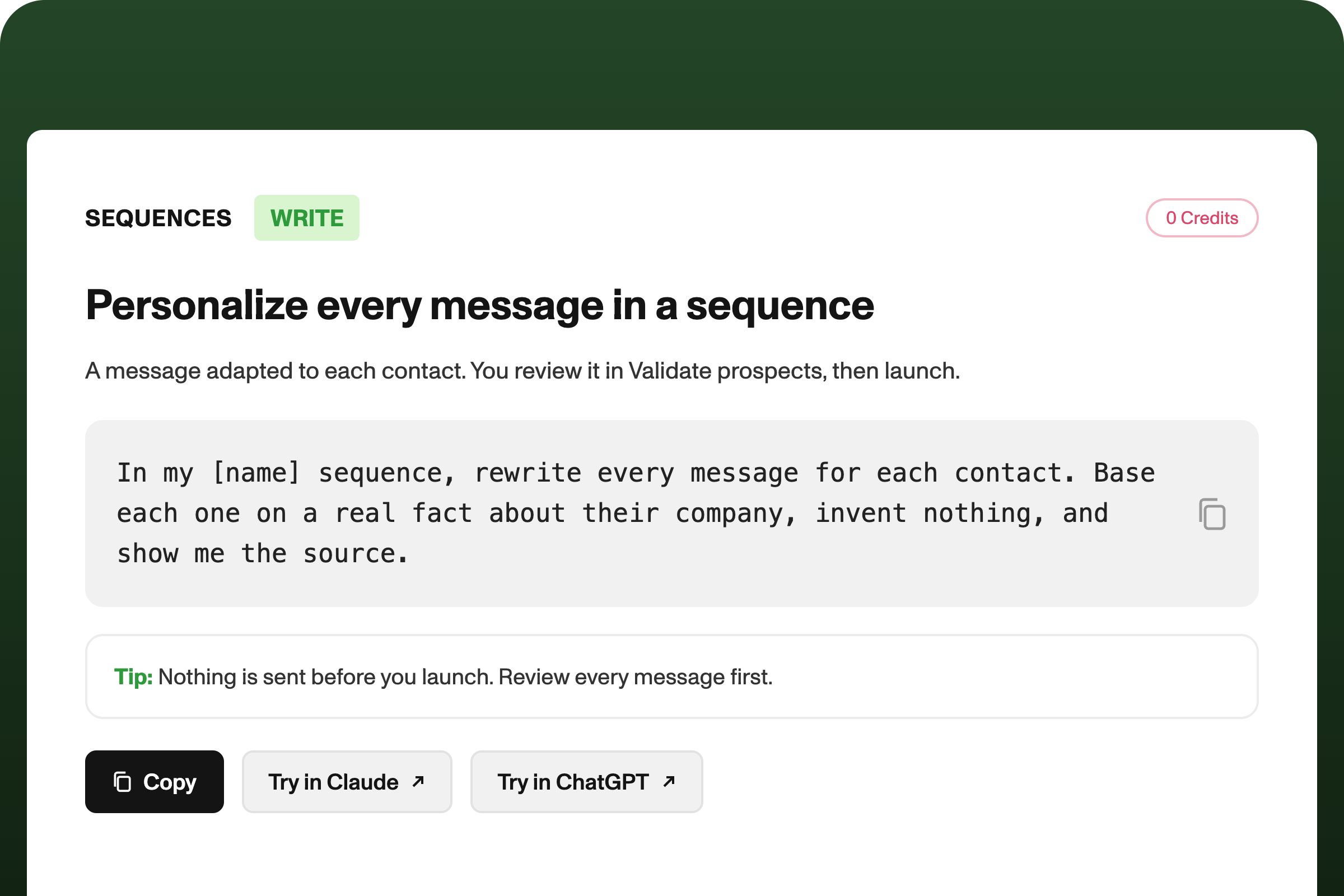
Can I personalize their message before it's sent? Yes: ask your AI assistant (Claude, ChatGPT, or others) to write their message, then review it in Review prospects before launch.
[Connect Zeliq to my assistant]