Write Prospecting Emails


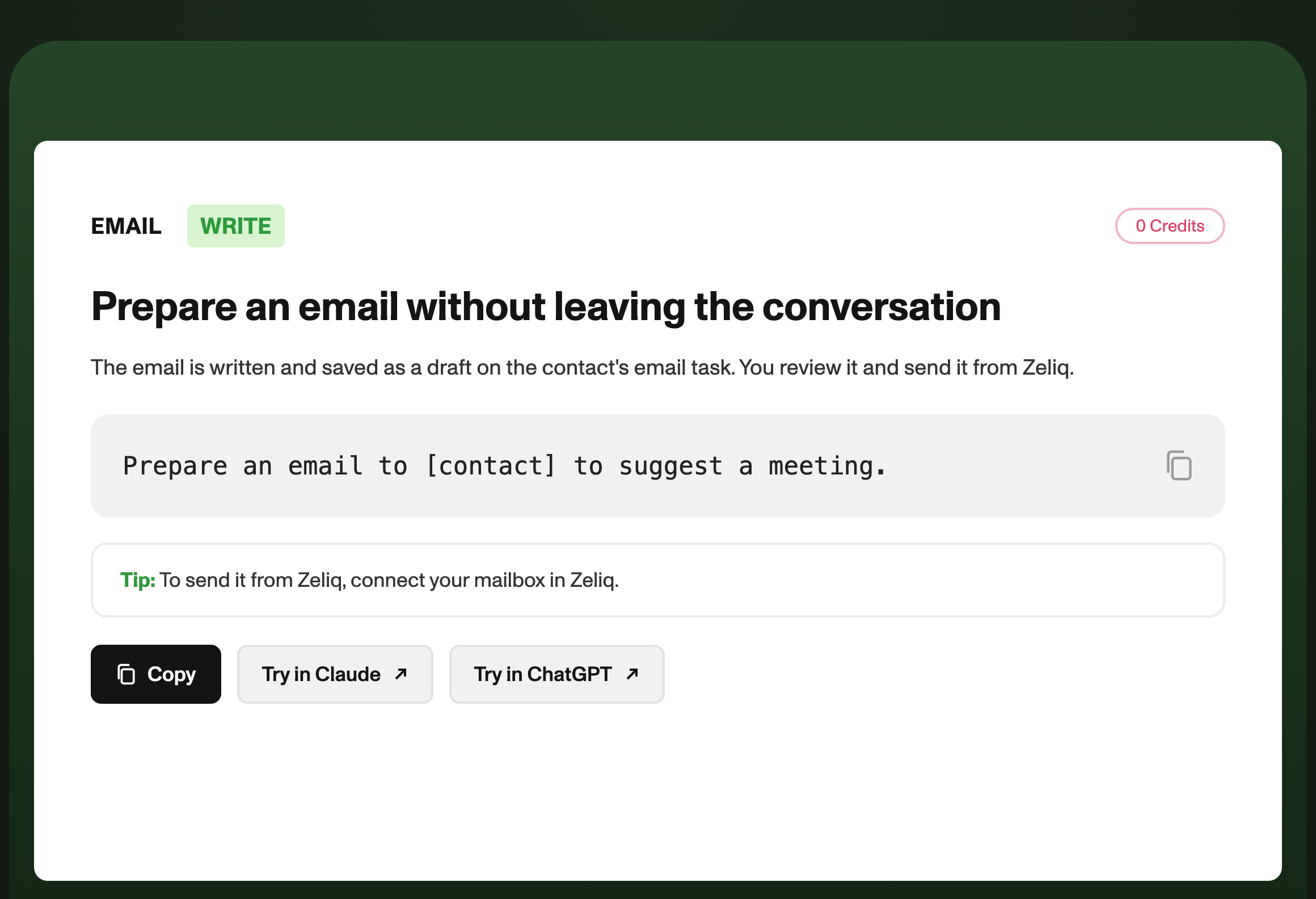
Ask Claude or ChatGPT for the email: the draft lands on the contact's email task in Zeliq, and you review and send it.
Writing an email shouldn't force you to switch tools
You're discussing an account with Claude, you have all the details in mind, and you realize you should write to the contact. That means opening Zeliq, finding the record, writing, copying and pasting. By the time you're done, the momentum is gone.
With the Zeliq MCP, you ask for the email right in the conversation. The draft lands directly on the contact's email task in Zeliq, ready to review and send.
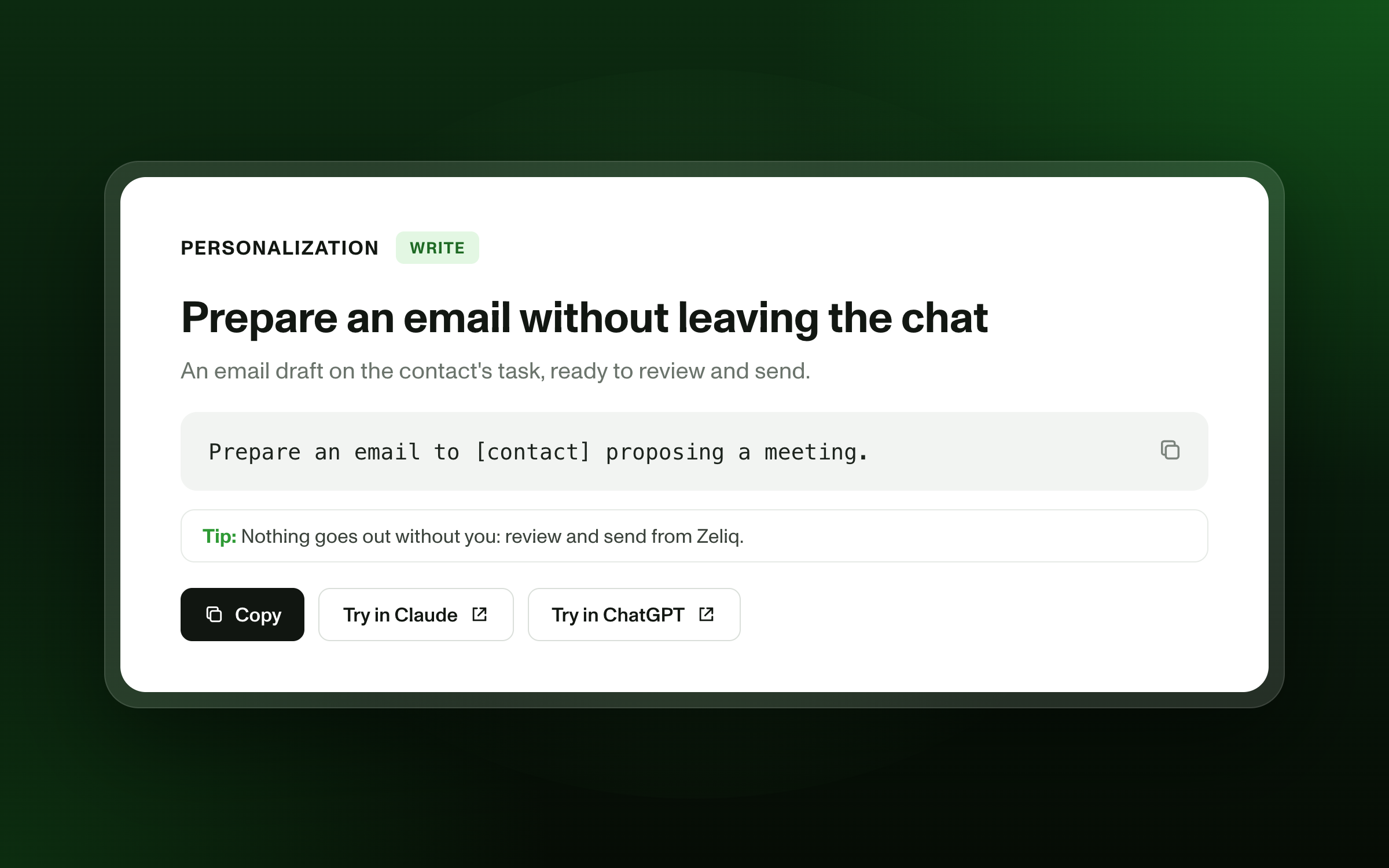
The prompt to copy into Claude
Prepare an email to [contact] proposing a meeting.
You can specify the angle, tone or length: "based on their last reply," "under 80 words," "direct tone."
What Zeliq does behind the scenes
- Finds the contact and their context in your Zeliq workspace.
- Claude writes the email based on your request.
- Saves the draft on the contact's email task in Zeliq.
- You review and send from Zeliq, with your connected mailbox.
What you get
A draft ready to go, in the right place. The email is sent from your mailbox, with the usual Zeliq tracking, and nothing goes out without you.
Three variations to go further
- After a meeting: "Prepare a recap email to [contact] with the three points we discussed and the next step."
- To follow up: "Prepare a follow-up to [contact], who hasn't replied in 10 days, with no pressure and a useful resource."
- For several contacts: "Prepare a personalized email for each of these 5 contacts." [to validate: number of drafts per request]
Who is it for?
- AE: to send a recap right after a call.
- SDR / BDR: for a one-off email outside a sequence.
- Founder: to write quickly to a key prospect between two meetings.
Pairs well with
- Prepare for your meeting in 30 seconds
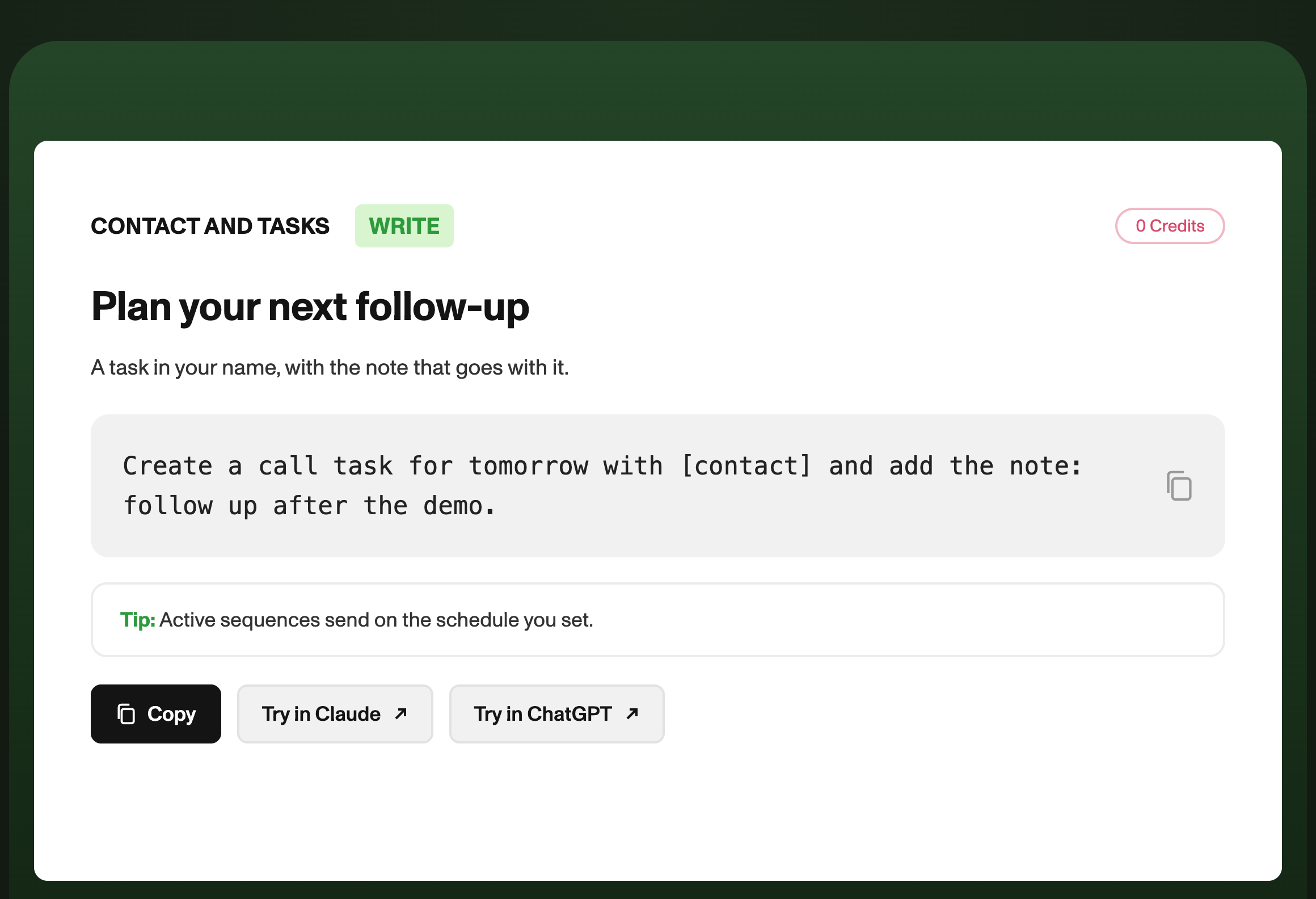
- Plan your next follow-up without leaving the conversation
- Write a personalized first email with Zelia
FAQ
Is the email sent automatically? No. The draft is saved in Zeliq; you review it and send it.
What do I need to set up first? Connect your mailbox in Zeliq, then connect Claude or ChatGPT to Zeliq through the MCP.
Does it work with ChatGPT? Yes, with Claude, ChatGPT and other MCP-compatible assistants.