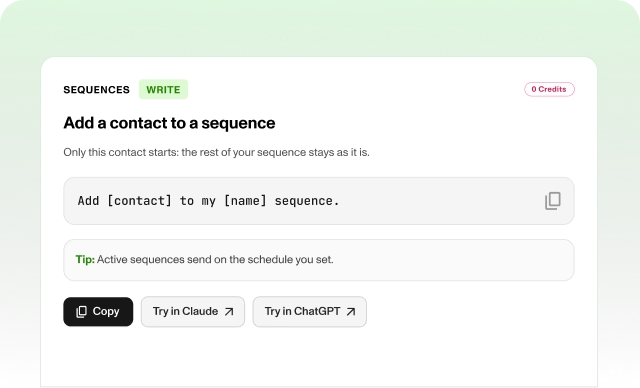
Add a contact to a sequence


Want to add a contact to a sequence without touching the rest?
Ask Claude or ChatGPT, connected to Zeliq, to enroll one contact in a sequence. Only that contact starts, and the rest of the sequence stays as it is.
Copy: “Add [contact] to my [name] sequence.”
Tip: Active sequences send on the schedule you set, so check the contact and the sequence name before you confirm.