Draft your email without leaving AI chat


Write the message in your assistant, review it in Zeliq, send it when it's right
You know what to say. The hard part is turning it into a clear, well-written email, at the right moment, without losing your place in the conversation.
So you open a blank email, rewrite the same opening three times, and wonder whether the tone is right. Time passes, and the follow-up waits.
With Claude or ChatGPT connected to Zeliq, you can ask for a first draft while you are still thinking about the contact.
Describe the email you want. Review it in Zeliq. Send it when it's ready.
What the assistant can do for you
From your assistant, you can ask Zeliq to prepare an email for a contact.
For example, you can:
- suggest a meeting after a good first reply;
- follow up after a demo;
- share a resource you mentioned on a call;
- re-engage a contact who went quiet.
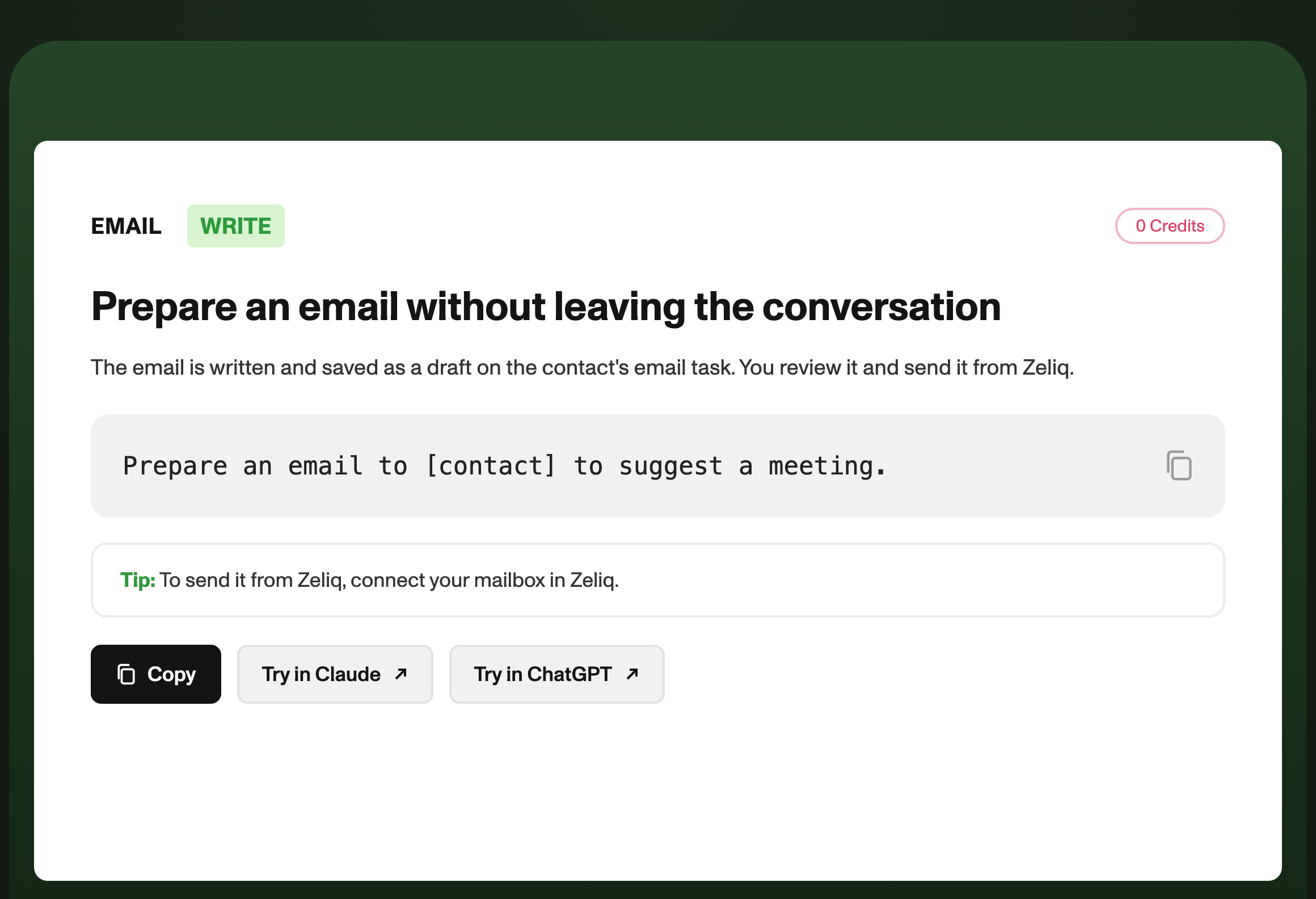
The draft is saved on the contact's email task in Zeliq. You review it there, edit it if needed, and send it from Zeliq.
How it works
1. Name the contact and the goal
Tell your assistant who the email is for and what it should do.
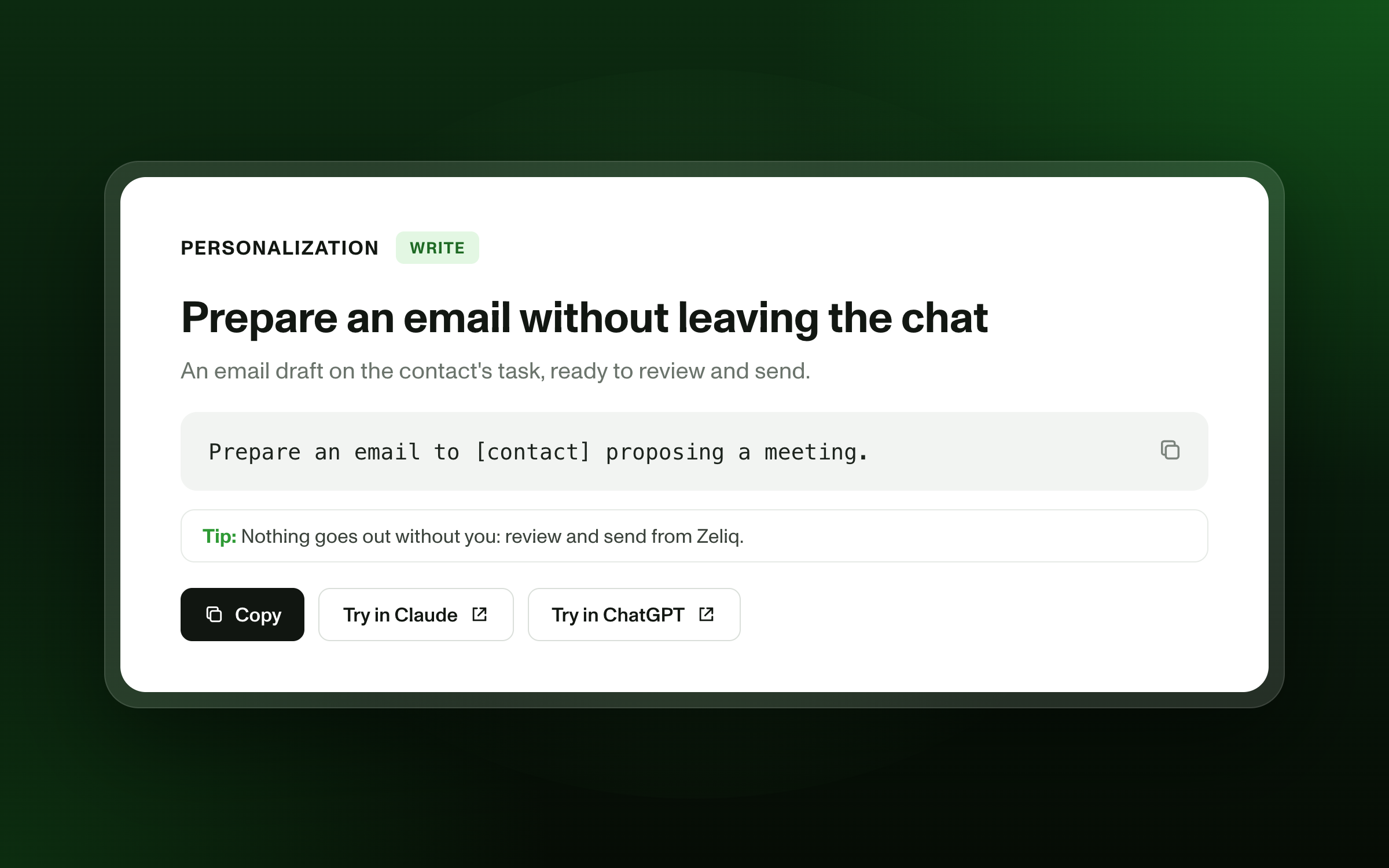
Prepare an email to [contact name] to suggest a meeting.
2. Add your brief
Give the assistant the context it needs, in your own words.
Prepare an email to [contact name] to suggest a meeting next week. Mention the question they raised about integrations. Keep it under 100 words, and do not invent any figure.
3. Send it from Zeliq
When the draft is ready, send it from Zeliq.
To send the email from Zeliq, connect your mailbox first.
Three examples to try
After a first reply
Prepare an email to [contact] to suggest a call on Tuesday or Wednesday. Keep it short and friendly.
After a demo
Prepare an email to [contact] to recap the demo and suggest a next step. Use only the points we discussed.
After a quiet period
Prepare an email to [contact] to check whether the topic is still relevant. Ask one simple question at the end.
Why review matters
An assistant can write a fast draft. You know the contact, the relationship, and the timing.
Before you send, check:
- that the facts are correct;
- that the tone matches the relationship;
- that the request is clear;
- that nothing was invented.
A two-minute review is enough to protect your credibility.
A simple habit
- After a conversation, ask your assistant for a draft.
- Open the draft in Zeliq, and edit it in your own words.
- Send it from Zeliq once it is ready.
Ten minutes of writing can become two minutes of review.
Good to know
- The draft is saved, not sent. Nothing leaves your mailbox until you send it from Zeliq.
- Connect your mailbox first. Sending from Zeliq requires your mailbox to be connected.
- Review every draft. Check the facts, the tone, and the request before you send.
Your assistant writes the first draft. You send the email.
[Connect Zeliq to my assistant]