Organize your prospecting day from Claude


Ask Claude for today's tasks: Zeliq prioritizes them with the context of each contact, and your notes are saved as you make your calls.
The time lost between two actions
A prospecting day means calls, follow-ups, LinkedIn messages and notes to take. Between each action, you have to figure out what's next, open the right record and remember the context. Those lost minutes add up to an hour a day.
With the Zeliq MCP, you run your task queue and your notes from the conversation.
The prompt to copy into Claude
What are my Zeliq tasks for today? Rank them by priority, give me the context for each contact and tell me where to start.
What Zeliq does behind the scenes
- Lists your tasks for today and the overdue ones.
- Pulls the context for each contact: profile, latest activities, notes.
- Claude/ChaTGPT prioritizes by urgency and potential, and shows you the first task.
- Logs what you dictate after each action, directly on the contact's record.
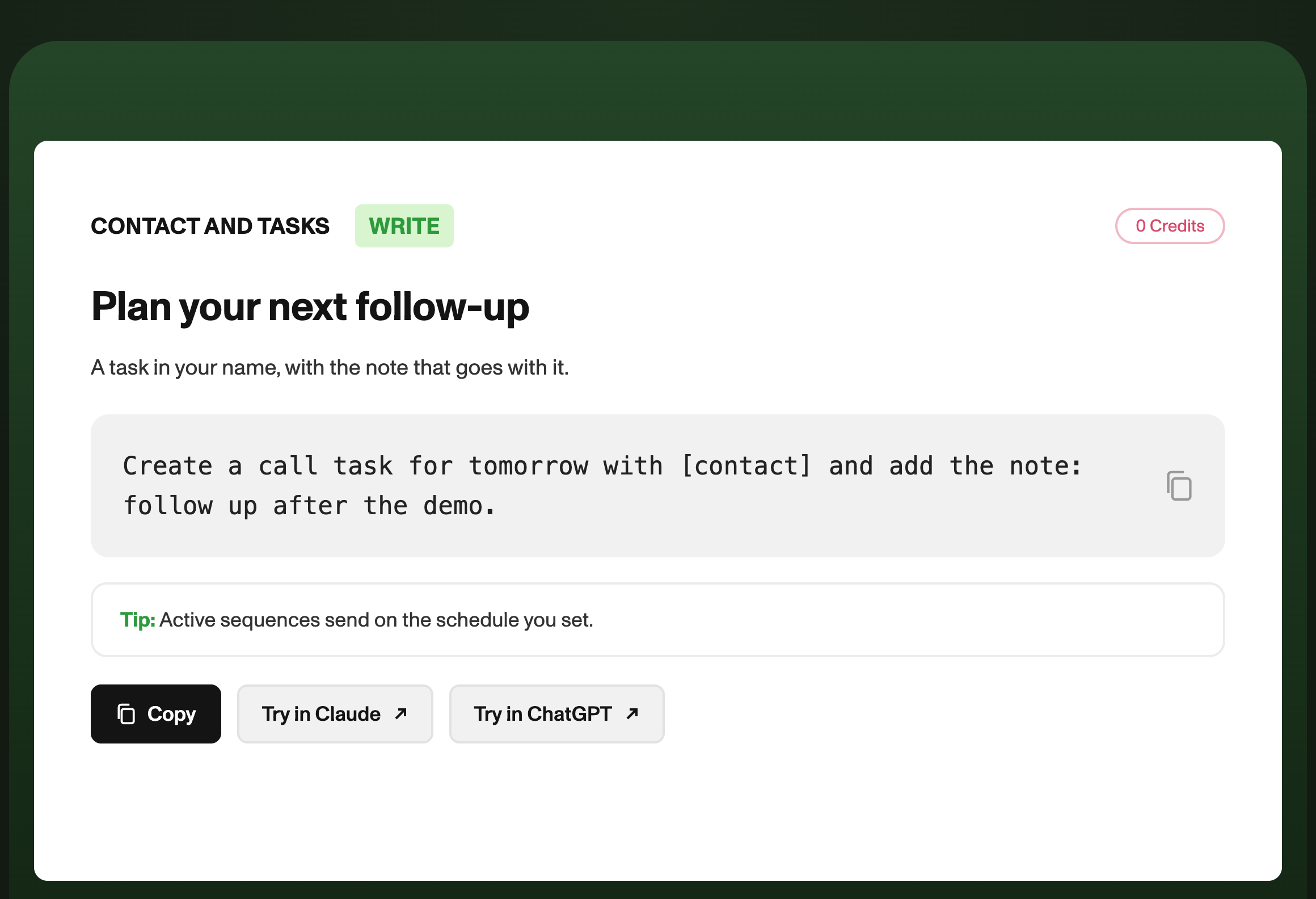
- Creates the follow-up tasks you ask for.
What you get
A clear plan for the day and a real copilot between actions. After each call, you dictate two lines, Claude saves them and moves on to the next task.
Three variations to go further
- Next task: "What's my next task?", to repeat all day long.
- After a call: "Note on [contact]: interested, budget approved in January, call back on the 8th. Create the callback task."
- For managers: "Which tasks are overdue across the team?" [to validate: visibility into other users' tasks]
Who is it for?
- SDRs / BDRs: move from one action to the next without losing track.
- AEs: never miss a follow-up on your open deals.
- Sales managers: track the team's execution.
Pairs well with
- Spot the accounts showing buying signals
- Prep your meeting in 30 seconds
- Never leave a positive reply unanswered
FAQ
Do tasks created in Claude show up in Zeliq? Yes. They are standard Zeliq tasks, visible in your interface.