Prepare for a Sales Meeting


Your call starts in 5 minutes and you haven't reviewed the account? One prompt in your AI assistant and Zeliq gives you a full brief: the company, your history, its recent signals and the angles to cover.
Why you so often walk into meetings underprepared
Before every call, it's the same routine. You open the company record, reread the last few emails, dig up the notes from your last conversation, then check LinkedIn for anything new. Four tabs, ten minutes. And when meetings are back to back, you end up going in half-prepared.
The information is already in Zeliq. It's just scattered across the account record, the contact record, the activity history and your notes.
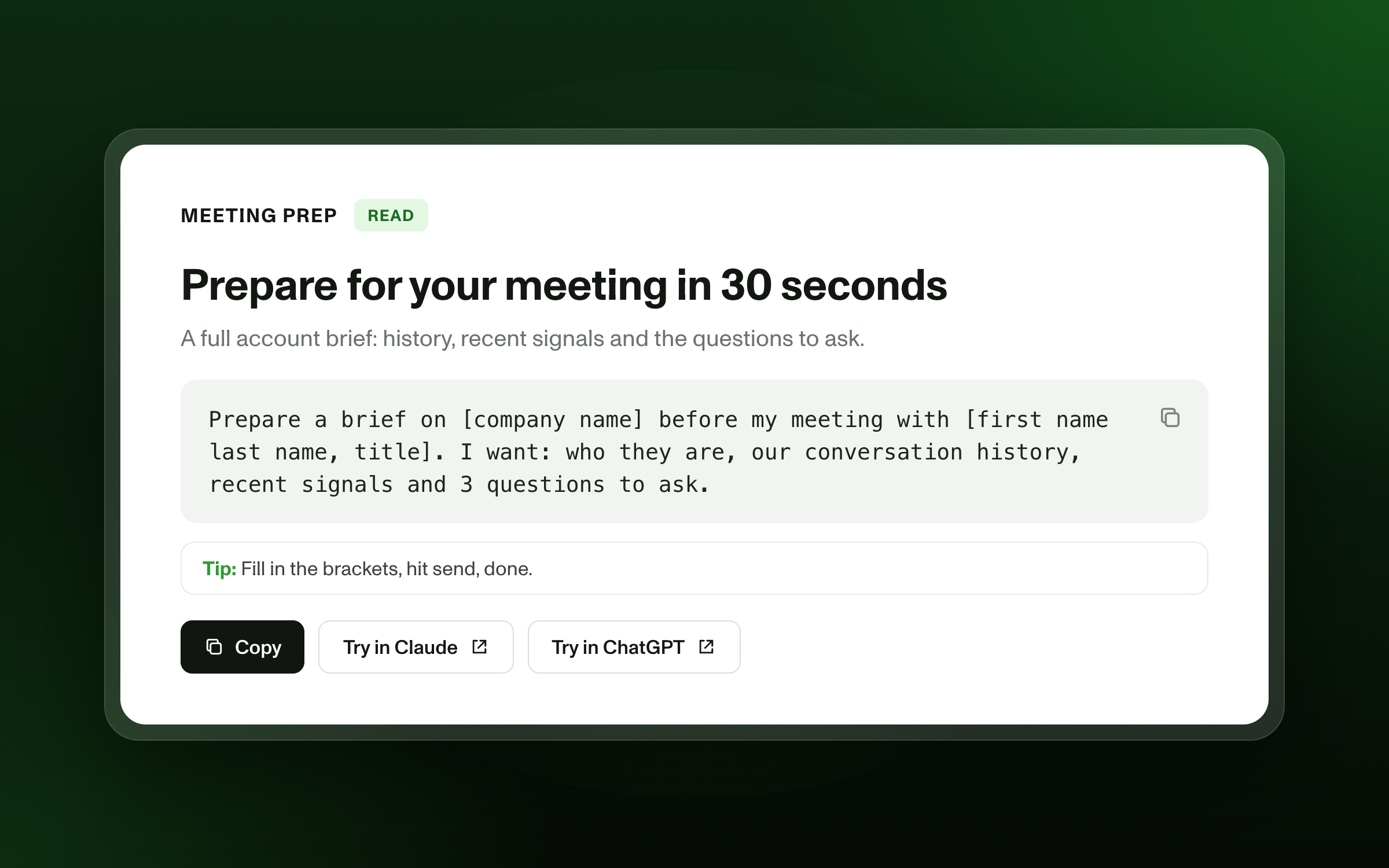
The prompt to copy into your AI assistant
Prepare a brief on [company name] before my meeting with [first name last name, title]. I want: who they are, our conversation history, recent signals and 3 questions to ask.
Fill in the brackets, hit send, done. No need to leave your conversation.
What Zeliq does behind the scenes
- Finds the company in your Zeliq workspace with its key data: industry, size, location.
- Pulls up your contact's profile: title, tenure, contact details.
- Gathers your history: emails sent, replies received, sequence steps, notes from past conversations.
- Spots recent signals on the contact and the account. [to validate: signal types covered]
- Your AI assistant (Claude, ChatGPT, or others) pulls it all together into a one-page brief, with questions tailored to the context.
What you get
A brief in four parts: the company in three lines, where things stand, what's changed on their side, and where to start. You walk into the call knowing exactly where to pick up the conversation.
Three variations to go further
- For a first meeting: "I've never spoken to [company]. Give me the 3 people to know on the [department] team and an opening angle for each."
- For a manager: "Prepare a brief on the 5 accounts my team is meeting this week."
- As a routine: "Every morning, prepare a brief for each of my meetings that day." [to validate: requires the calendar connector in your AI assistant]
Who is it for?
- AEs: before a demo or a negotiation call, to pick up the thread without rereading everything.
- SDRs / BDRs: before a qualification call, to personalize the opener.
- Sales managers: before a joint meeting or a deal review.
Pairs well with
- Find the decision-makers at a target account in one sentence
- Spot the accounts showing buying signals
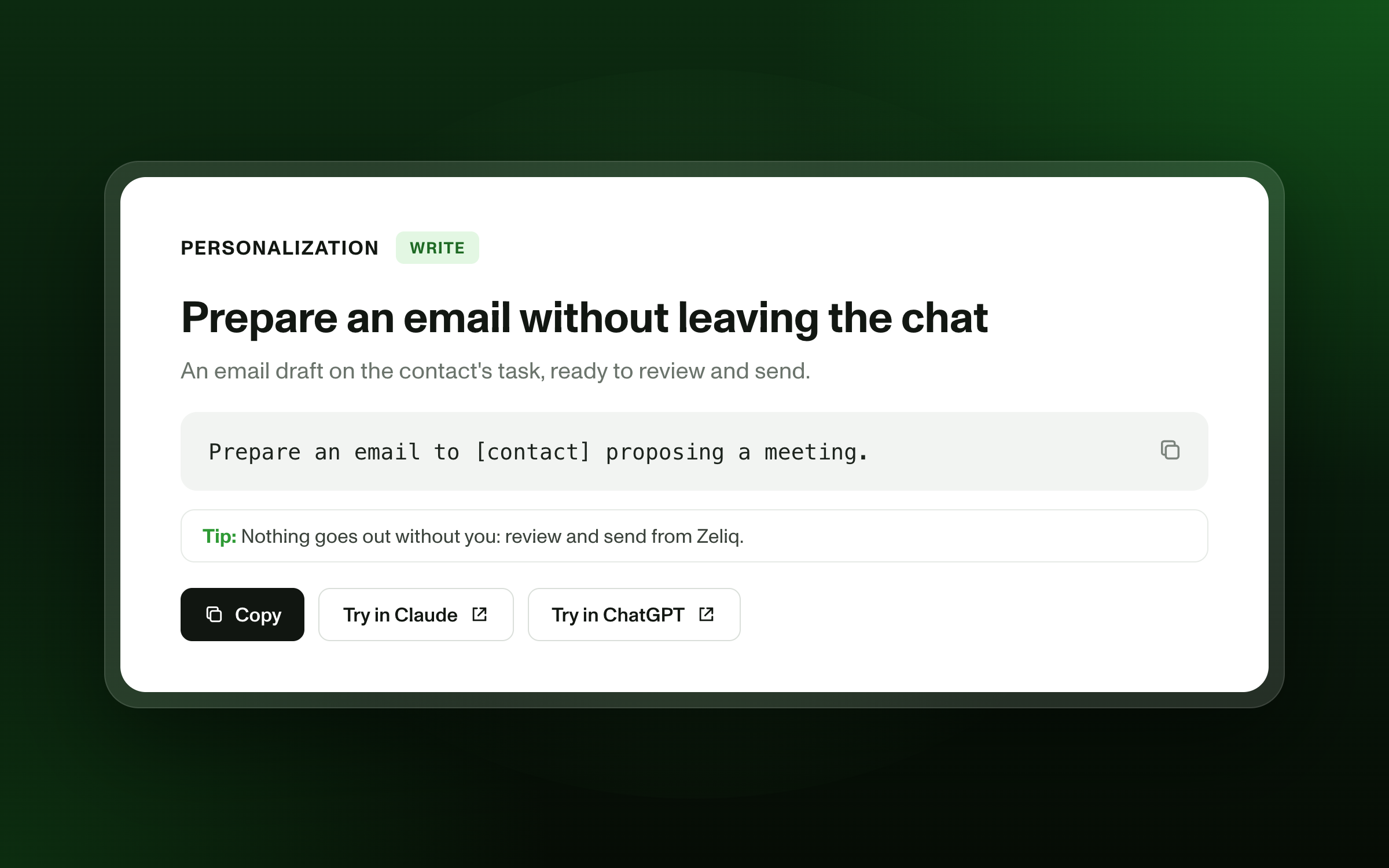
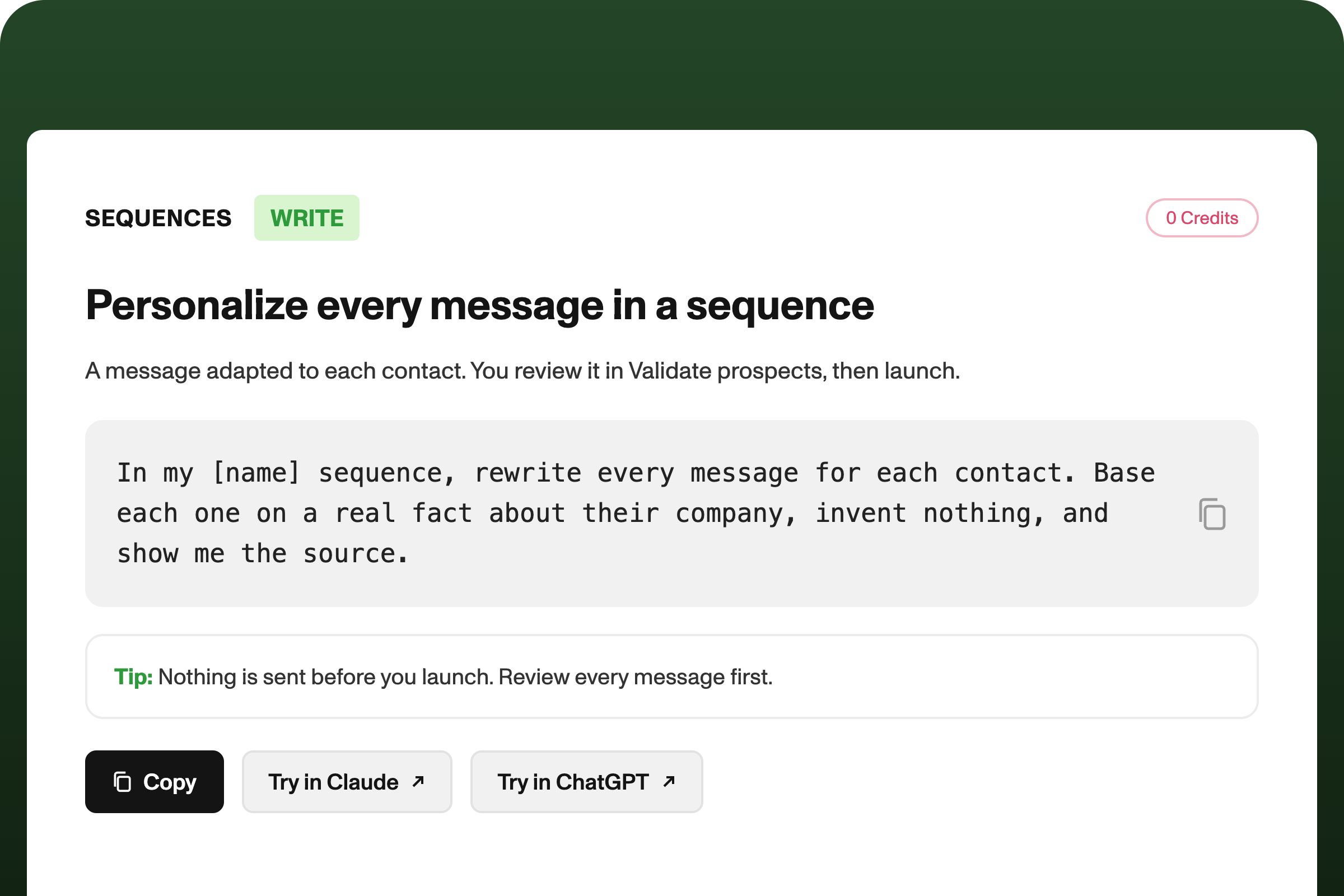
- Personalize every email in a sequence
FAQ
Where does the data in the brief come from? From your Zeliq workspace: the Zeliq contact and company database, plus your activity history and notes.
Does it work with ChatGPT? Yes, with Claude, ChatGPT and any MCP-compatible tool: add the Zeliq server URL, available on the Integrations page.
[Connect Zeliq to my assistant]