
LinkedIn Profile Link: How to Find, Copy, and Share It
A LinkedIn profile link is the public web address that points to a specific member’s page. It is what you put on a CV, in an email signature, on a business card, or what you paste into a prospecting tool to enrich a contact. Knowing how to find one in two clicks, on any device, is a small skill that separates a smooth sales workflow from one that stalls on copy-paste friction.
This guide covers what a LinkedIn profile link is, how to find your own URL on desktop and mobile, how to share it (signature, business card, QR code, bio), how to find someone else’s profile link from just a name and a company, and how SDRs and recruiters turn a single URL into a verified email, a phone number, and a multichannel sequence. If you want to customize your URL into a clean vanity handle, that is covered in our companion guide on the LinkedIn URL.
What is a LinkedIn profile link
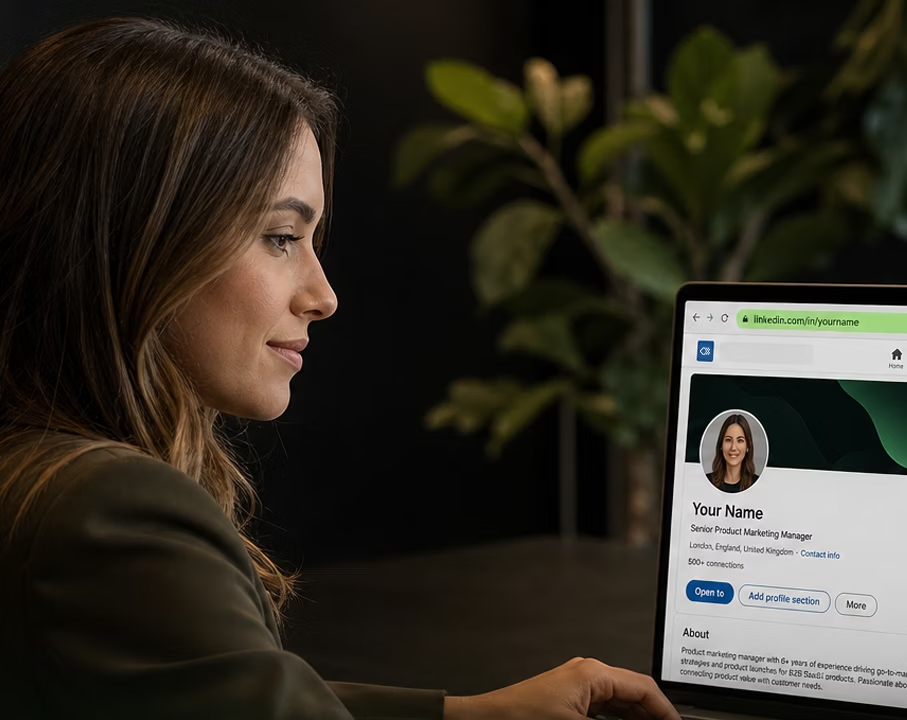
A LinkedIn profile link, also called a profile URL, is the public web address that uniquely identifies one member on LinkedIn. It is shareable, clickable in any browser, and indexed by Google when the profile is set to public.
The standard format for a personal profile is https://www.linkedin.com/in/[handle]/. The handle is the part that identifies the person. By default LinkedIn assigns a handle based on the member’s name plus a string of random characters, which gives URLs that look like linkedin.com/in/jane-smith-3a48b912. Members can replace that default with a custom vanity URL such as linkedin.com/in/janesmith.
You will also see related URL formats in everyday LinkedIn use:
- Company page: linkedin.com/company/[slug], for a business page rather than an individual.
- Sales Navigator profile: linkedin.com/sales/lead/[long-id], an internal Sales Navigator view. Not a public link.
- Post permalink: linkedin.com/posts/[handle]_[post-id], the direct link to one specific post.
- Article or newsletter: linkedin.com/pulse/[slug], for content published through LinkedIn Articles.
For sales prospecting, recruiting, or networking, the personal profile link in /in/ is what matters.
How to find your own LinkedIn profile link
The path is slightly different on desktop and on mobile, and the LinkedIn app on iOS and Android each has small quirks worth knowing.
On desktop
The fastest way is the address bar:
- Sign in at linkedin.com.
- Click the Me icon in the top navigation, then View Profile.
- Read the URL in your browser’s address bar.
- Click into the address bar, select all (Ctrl plus A on Windows, Cmd plus A on Mac), and copy (Ctrl plus C or Cmd plus C).
A built-in share menu also works: open your profile, click More under your headline, then Share profile via, then Copy link to profile.
On mobile (iOS and Android)
The mobile app does not display the URL in plain sight, but it is one tap deeper. The flow is identical on iOS and Android:
- Open the LinkedIn app and tap your profile picture in the top-left corner.
- Tap View Profile.
- Tap the More button (three dots) near your name.
- Tap Share profile via, then Copy link.
Your link is in your phone’s clipboard, ready to paste anywhere. To read the URL itself rather than just copy it, tap Contact info on your profile.
How to copy and share your LinkedIn profile link
Knowing the link is half the battle. The other half is presenting it in a way that actually gets used.
In an email signature
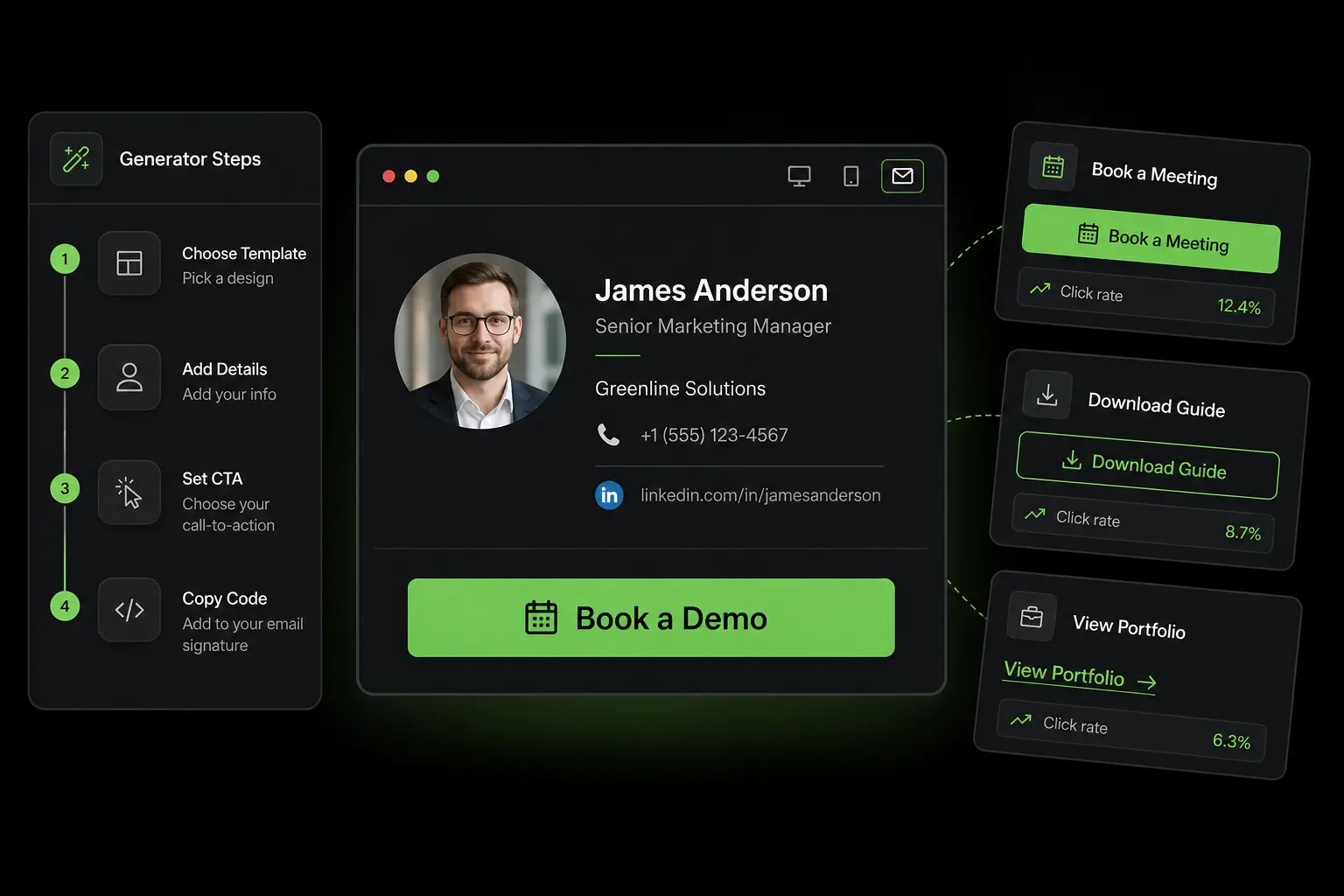
The signature is the highest-leverage place to put your LinkedIn link. Every email becomes a passive acquisition channel. A clean B2B signature pattern in 2026:
Jane Smith Account Executive | Zeliq jane.smith@zeliq.com | linkedin.com/in/janesmith
The shortened form linkedin.com/in/janesmith (without https://www.) renders as a clickable link in every modern email client. It is shorter, cleaner, and works exactly the same. Keep one URL per signature. Two LinkedIn links, yours and your company’s, is noise.
On a business card
For a paper card, write the shortened form as text: linkedin.com/in/janesmith. A QR code on the back is a useful complement, but never a replacement for the text. QR codes fail in low light, fail when printed too small, and require the recipient to grab their phone mid-conversation. Text plus QR is the safe combination.
As a QR code
LinkedIn generates a QR code natively from the mobile app. Tap the QR icon in the search bar at the top of the app, then My code. The code resolves directly to your profile URL, and the app offers a Save to Photos option so you can drop the image onto a slide, a printed handout, or a card.
If you generate a QR code through a third-party tool, point it at the full canonical URL: https://www.linkedin.com/in/[handle]/. Wrapped URLs (bit.ly, branded shorteners) add a redirect step and a point of failure.
On a website bio or footer
For a website, portfolio, or personal landing page, the canonical pattern is a clickable LinkedIn icon that points at the full URL. If you list the URL as visible text rather than an icon, use https://www.linkedin.com/in/janesmith/ so it works as a link in every parser.
Inside a cold email
Putting your LinkedIn link in the body of a cold email is a classic mistake. It pulls the reader off your call to action (a reply, a meeting link, a booking page) and adds an outbound link that some deliverability filters dislike. Keep LinkedIn in your signature only, and reserve the in-body CTA for a single direct ask. Once a prospect replies, sending the link in your second message is fine.
How to find someone else’s LinkedIn profile link
For SDRs, recruiters, and networkers, finding a target’s profile link is usually the first step of a longer workflow. Several routes converge on the same answer.
Direct LinkedIn search
In the LinkedIn search bar, type the person’s name. If common, narrow with company or title (Jane Smith VP Sales Acme). Click the matching profile and copy the URL from the address bar. This works well for unique names and breaks down for common ones.
Search filters
When the basic search is too noisy, the filters narrow the list: connection degree, location, current company, past company, industry, school. A common combination for SDRs is name plus current company plus location. That triple usually surfaces the right profile within the top three results, even on a name like “John Brown”.
Google search operators
When LinkedIn search is not narrowing things down, Google often does better. The pattern: site:linkedin.com/in “Jane Smith” “Acme”. The site operator restricts to personal profiles. Quoted strings force exact matches. Adding a title or city sharpens further. Especially helpful when the profile is far out of your network for LinkedIn to surface it cleanly.
Mutual connections and Sales Navigator
If the target is at the second degree of your network, the path through a mutual connection is fastest: open the profile of someone you know who works with them, scroll their Connections list. This doubles as warm-intro intelligence. For systematic sourcing, Sales Navigator filters (seniority, department, hiring activity, role changes, persona-fit signals) turn vague targeting like “VPs of Sales at SaaS companies in DACH” into a deterministic list of URLs.
Verifying you have the right one
Two quick checks before committing to a URL: open it in an incognito window to confirm the public profile loads with name, headline, and company, and cross-reference one detail (company, role) against the source. Ten seconds, prevents the much more expensive failure of pitching the wrong person.
From LinkedIn profile link to pipeline
For an SDR or a recruiter, the profile link is the entry point of a workflow, not the destination. The actual goal is a verified email, a phone number, a contact in the CRM, and an outbound sequence already running.
Done by hand, the chain is painful: find the prospect, copy the URL, paste into an email finder, copy the email, paste into a phone tool, open the CRM, paste everything, open the sequence tool, add the contact. Five to ten minutes per contact. At thirty contacts a day, that is two and a half to five hours of pure copy-paste work.
A purpose-built Chrome extension for LinkedIn collapses those steps into one click. From the LinkedIn profile or Sales Navigator search you are already looking at, the extension reads the URL, runs waterfall enrichment across forty-plus data providers to pull a verified email and direct phone, pushes the contact to your CRM, and drops them into a multichannel sequence that combines email, LinkedIn touches, and call tasks. That single shift is what turns a thirty-contacts-a-day SDR into a hundred-and-fifty-contacts-a-day SDR without any drop in personalization quality.
The same URL-as-entry-point logic applies in adjacent workflows. A talent sourcer pulls candidate URLs from search results, enriches them with personal email and phone, and runs a recruiting cadence rather than relying on InMails alone. A founder collects URLs from people they met at an event and follows up with a thoughtful first email. An account executive tracks who engaged with their last post and drops warm leads into a “warm engagement” sequence. For sales leaders, the compression applies at team level: ten reps each saving two hours a day adds up to a hire’s worth of capacity recovered every week.
Short link or vanity URL? A vanity URL (linkedin.com/in/janesmith) is the LinkedIn-native handle and is the right choice for signatures, CVs, and anywhere a human reads the link. A short link (bit.ly/xyz) hides the destination and breaks if the shortener ever goes down. Default to vanity for human-facing places; use short links only when you specifically need click tracking.
Common pitfalls and how to avoid them
A handful of mistakes come up over and over.
Sharing the Sales Navigator URL by accident. If you copy a URL from inside Sales Navigator, you may end up with a /sales/lead/ link rather than a public /in/ link. The Sales Navigator link only works for people who also have Sales Navigator. Always verify the URL starts with /in/ before sharing externally.
Mobile share generating a tracked link. The mobile share sheet sometimes appends tracking parameters to the URL (typically a ?utm_source=share query string). The link still works, but it is uglier and longer than necessary. Strip everything after the / before pasting into a CV or signature.
Language-specific URL prefixes. Depending on language and country settings, LinkedIn sometimes serves URLs with a country subdomain (fr.linkedin.com, ca.linkedin.com). The canonical version is the international one (www.linkedin.com). When sharing widely, default to the international form so the link works for visitors regardless of region.
Mobile vs desktop differences. A profile that looks fully visible to you on desktop may render a degraded view on mobile if you are not signed in, or if you are far from the person in the network. Test your own profile from a logged-out browser to see the actual public version a stranger would see.
Broken share links after a vanity URL change. Every time you customize your vanity URL, every existing link to your previous URL goes dead. LinkedIn caps URL changes at five every six months, but the practical limit is much lower. Pick once and keep it.
Profile set to private. A clean URL is useless if the profile is restricted. Visitors hit a “this profile is not available” page, and Google does not index the content. Check Settings & Privacy, then Visibility, then Edit your public profile, and confirm at least the headline, current company, and photo are visible to non-LinkedIn users before you ship the URL anywhere.
Public vs private profile views
Two toggles affect what your LinkedIn link does. Public profile visibility controls what a non-logged-in visitor sees: by default, name, photo, headline, current role, summary. You can restrict this down to a near-empty page, but for sales, recruiting, and networking, that is almost always a mistake. Half the value of having a LinkedIn URL on a CV is that anyone can click it and see who you are.
The second toggle controls what you see when viewing someone else. Public mode shows your name and headline to the person you visited. Anonymous mode shows up as “LinkedIn Member” but also blocks you from seeing who viewed your profile, a tradeoff most active networkers do not want to make. Neither setting changes the URL itself.
FAQ
Is the LinkedIn profile link the same as the LinkedIn URL?
Yes. “Profile link” and “profile URL” refer to the same thing: the public web address of a member’s profile. Some people use “link” when speaking and “URL” when writing, but they are interchangeable.
Can I find someone’s profile link without a LinkedIn account?
Partially. Public LinkedIn profiles are indexed by Google, so a search like site:linkedin.com/in “Jane Smith” “Acme” returns the URL even if you are not logged in. Visiting the URL while logged out shows a degraded view, but the link itself works.
Why does my LinkedIn link have random characters at the end?
That is the default handle LinkedIn assigns when you create your profile, based on your name plus random digits to keep it unique. You can replace it with a custom vanity URL in two minutes from desktop. The companion guide on customizing the LinkedIn URL walks through the exact steps and rules.
Can I track who clicks on my LinkedIn link?
Not natively. LinkedIn does not provide click analytics on a profile URL. If you need tracking, you can either append UTM parameters that your own analytics tool will pick up on inbound traffic, or wrap the URL in a branded shortener that reports click counts. Neither tells you the identity of the clicker.
How many times can I change my LinkedIn URL?
Up to five times every six months. The frequency cap matters less than the broken-link cost: every change kills every link to the previous URL. Pick a vanity once and keep it.
TL;DR
A LinkedIn profile link is the unique URL of a member’s profile, in the form linkedin.com/in/[handle]. To find your own, copy from the browser address bar on desktop or use the Share menu in the mobile app. To find someone else’s, use LinkedIn search with name plus company plus location filters, fall back on Google with site:linkedin.com/in, or use Sales Navigator for systematic sourcing. To share your link, default to the shortened text form in signatures and on business cards, with a QR code as a complement rather than a replacement.
For B2B sales teams, the profile link is the entry point of an enrichment plus sequence pipeline that turns a URL into a verified email, a phone number, a CRM contact, and a multichannel cadence. Done manually, five to ten minutes per prospect. Done with the right tooling, one click.
If your team is still copy-pasting LinkedIn links into a spreadsheet, then an enricher, then a CRM, then a sequence tool, the friction is real and measurable. See Zeliq pricing to find the plan that fits your outbound volume.