Audit your data quality and tool adoption


Ask Zelia for a diagnosis of your data (missing fields, duplicates, CRM hygiene) and usage by role, with a prioritized remediation plan.
Incomplete data and an underused tool skew everything else
Empty fields, duplicates, contacts tied to the wrong company: a messy CRM throws off targeting, sequences, and reporting. And when part of the team doesn't really use the tool, the numbers stop reflecting reality. Running that review by hand takes hours.
With Zelia, you get a structured diagnosis of your data quality and adoption by role, followed by a prioritized remediation plan. You know what to fix first, and who needs support.
The prompt to copy into Zelia
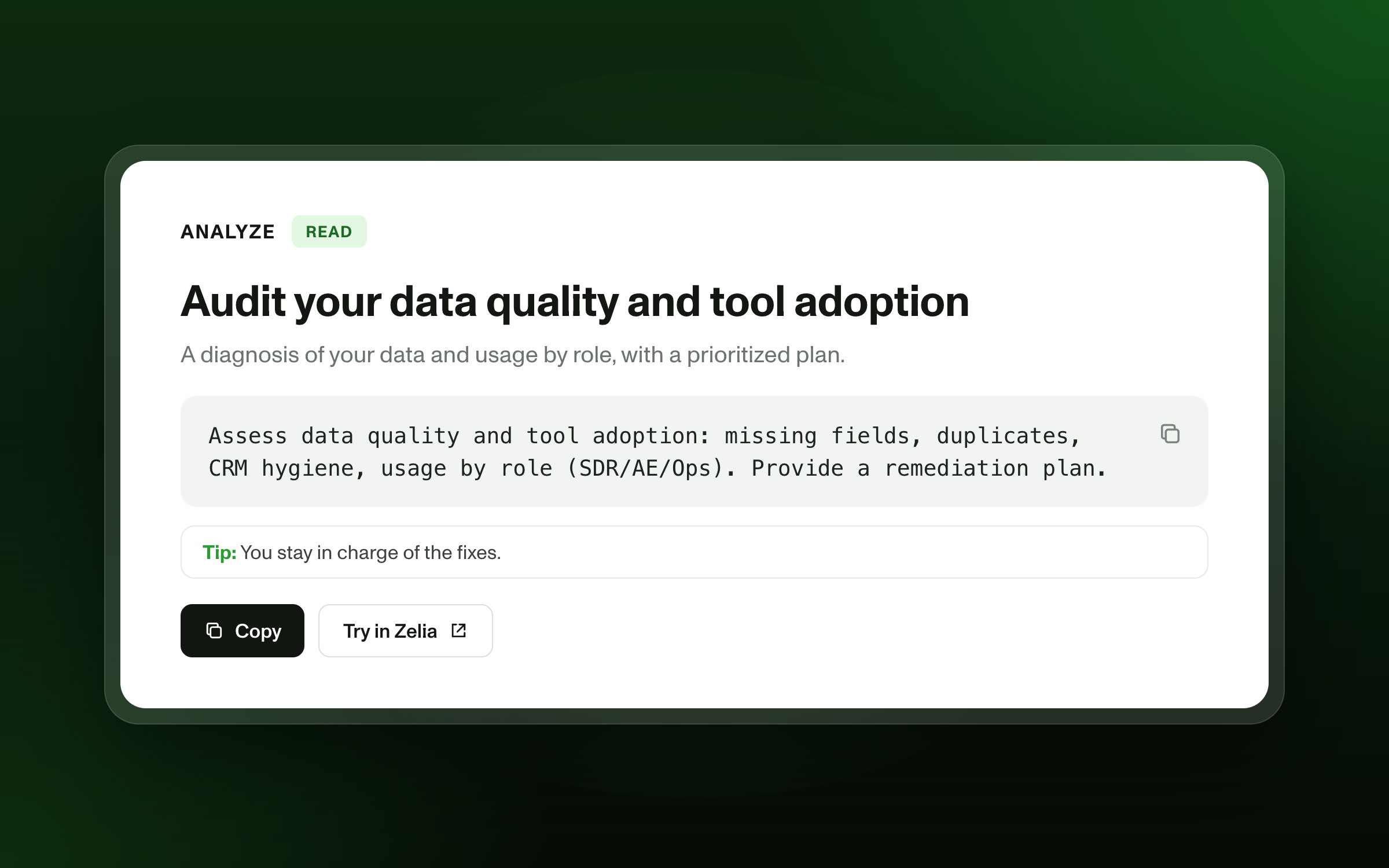
Assess data quality and tool adoption: missing fields, duplicates, CRM hygiene, usage by role (SDR/AE/Ops). Provide a remediation plan.
The prompt works as is. To narrow it down, add a scope: "for contacts created since [date]" or "for the [name] team."
What Zelia does
- Reviews the data in your Zeliq workspace that the audit needs: contacts, companies, filled-in fields
- Flags the missing fields that hurt most: email, phone, job title, company.
- Points out likely duplicates and CRM hygiene issues
- Analyzes usage by role (SDR, AE, Ops)
- Proposes a remediation plan ranked by impact and effort.
What you get
A review you can read in five minutes and a list of concrete actions. Enough to open a team review with facts instead of impressions.
Three variations to go further
- Enrichment focus: "List the contacts in my active sequences with no email or no phone number, and estimate the impact on deliverability and calls."
- 30-day plan: "Turn this remediation plan into a 4-week program with an owner and a metric for each action."
- Message to the team: "Write a short message to the team introducing the 3 data-entry rules to adopt, without sounding preachy."
Who is it for?
- RevOps: for a quarterly database audit and to prioritize cleanup work.
- Sales manager: to see who actually uses the tool and adjust coaching.
- Founder: to check the tool investment is paying off before hiring or adding seats.
Pairs well with
- Enrich a contact list with emails and phone numbers from your AI assistant (Claude, ChatGPT, or others): to fill the missing fields the audit surfaces.
- Know which sequences work and what to change
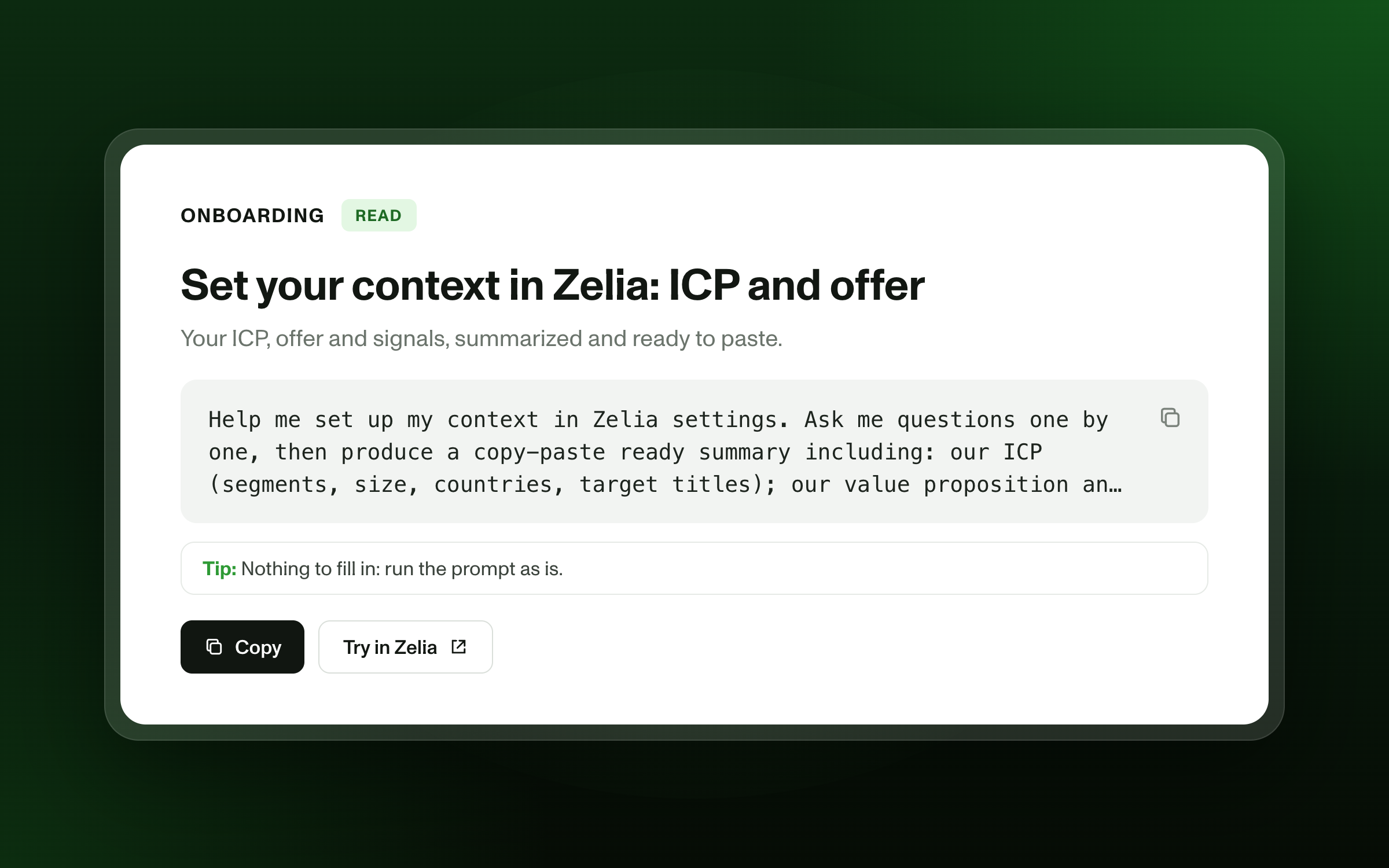
- Set your context in Zelia: ICP and offer
FAQ
Does Zelia fix the data automatically? No, this prompt produces a diagnosis and a plan. You stay in charge of the fixes. On request, Zelia can then update a contact or a company, or launch an enrichment, after you confirm.
How often should I run this audit? Once a quarter is usually enough, plus after any bulk import or team reorganization.