Set your context in Zelia: ICP and offer


Before any other prompt, let Zelia ask you about your ICP, your offer and your signals: you get a summary ready to paste into your settings.
Without context, Zelia gives generic answers
You ask Zelia for a list of accounts, an email or a call plan. The answer is fine, but it could fit any company. Zelia doesn't know your target, your offer or the signals that matter to you yet.
With Zelia, you fix that once. Zelia asks you the right questions, one at a time, then writes a summary ready to paste into your settings. Run this prompt first: it makes every answer that follows sharper.
The prompt to copy into Zelia
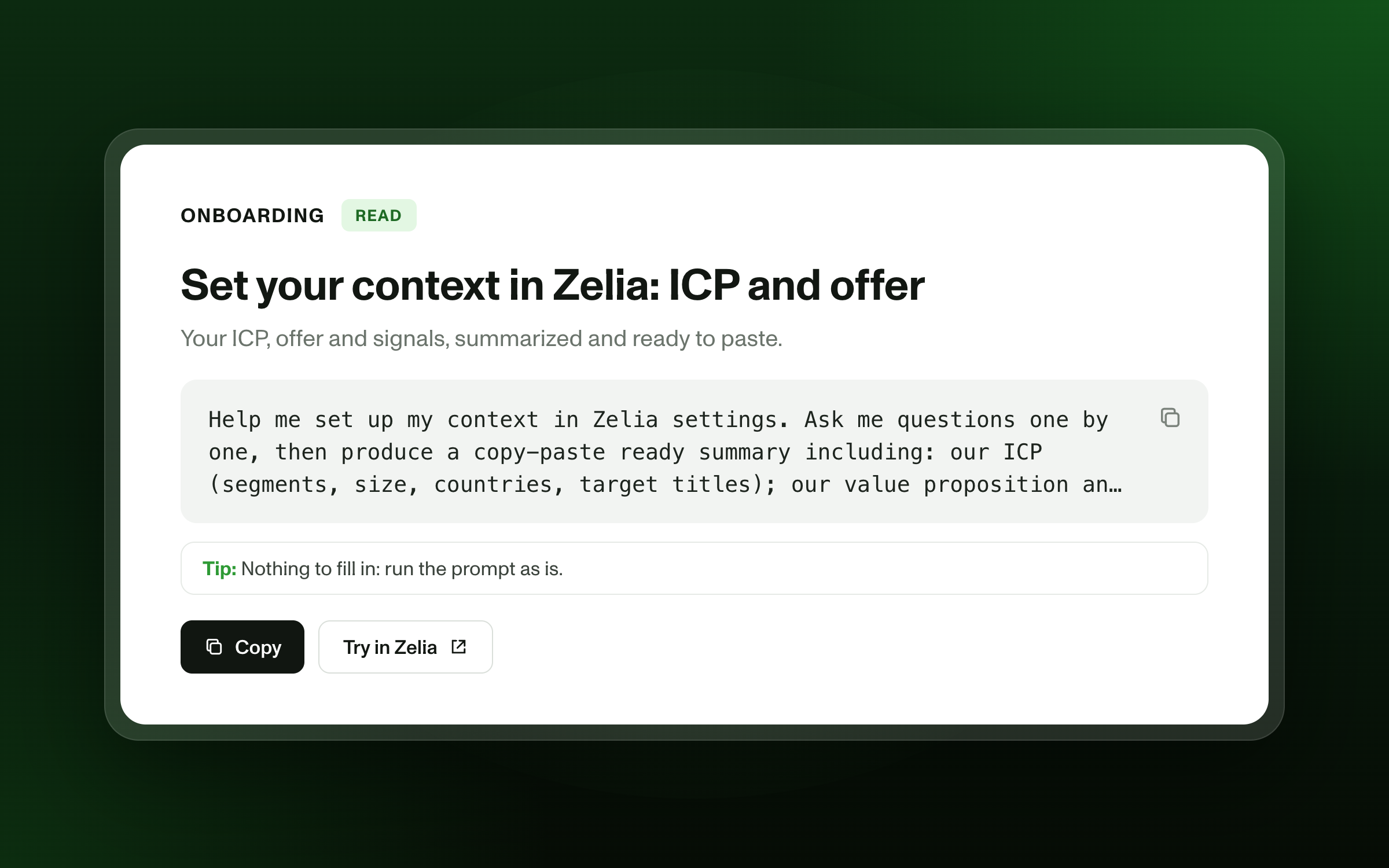
Help me set up my context in Zelia settings. Ask me questions one by one, then produce a copy-paste ready summary including: our ICP (segments, size, countries, target titles); our value proposition and differentiation; priority use cases per persona (SDR, AE, Sales Ops, Sales Manager); the signals and triggers that matter. At the end, suggest 3 example queries I can run next.
Nothing to fill in: run the prompt as is and answer the questions in your own words.
What Zelia does
- Asks one question at a time, so nothing gets skipped: segments, company size, countries, target titles.
- Digs into your offer: what you sell, to whom, and why buyers pick you over a competitor.
- Maps a use case to each persona, from SDR to Sales Manager.
- Lists the signals that should trigger action: funding rounds, hiring, job changes, new tools.
- Writes the final summary and suggests 3 queries to test the result.
What you get
A clear text, ready to paste into Zelia settings (Sales context and Ideal customer profile sections). You can also share it with your team as the shared reference for your ICP.
Three variations to go further
- Update an existing context: “Here is my current context: [paste text]. Ask me questions to spot what has changed, then suggest an updated version.”
- Add a new segment: “We now target [segment]. Ask me the questions you need and add this segment to my ICP without changing the rest.”
- Context per team: “Write a version of my context for the [SDR / AE] team, with its priority use cases and signals.”
Who is it for?
- Founder: you're starting with Zeliq and want Zelia to talk about your offer the way you do.
- RevOps: you're rolling out Zeliq to the whole team and want one shared ICP definition.
- Sales Manager: you're onboarding new reps and want them to start from the same baseline.
Pairs well with
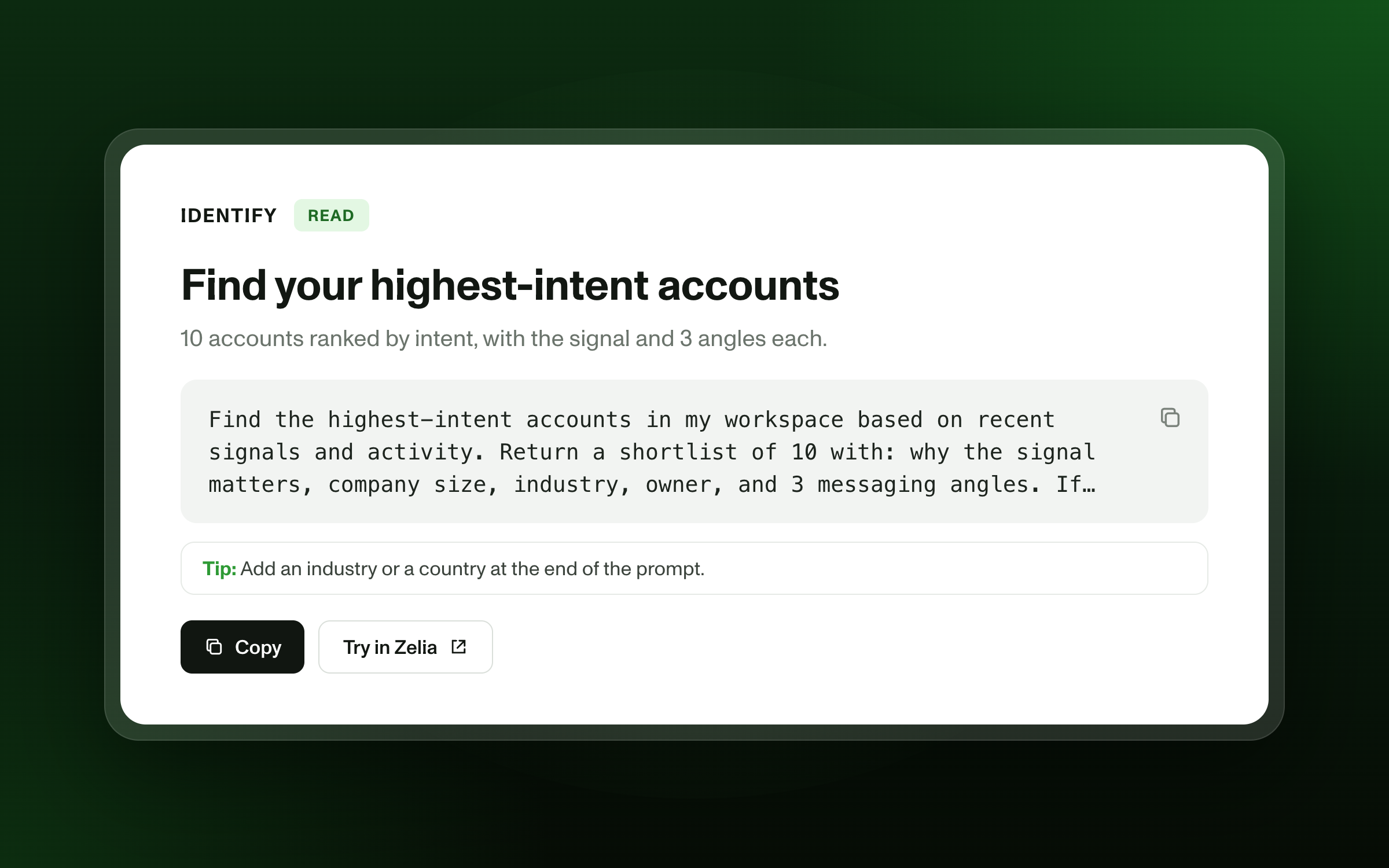
- Find your highest-intent accounts
- Calculate an account's fit score
- Write a personalized first-touch email with Zelia
FAQ
How long does it take? About ten minutes, depending on how detailed your answers are.
How often should I redo this? Update your context whenever your target or offer changes, for example with each new segment or product launch.