From cold to warm call with Zeliq

Level Up Your Gaming
From cold to warm call with Zeliq
You want to warm your leads before calling them? So that they know who you are and why you call? This is an excellent strategy to increase the ratio of meetings booked among all your connected calls.
And the good news is that it’s super easy to set up thanks to Zeliq.
Just follow these steps!
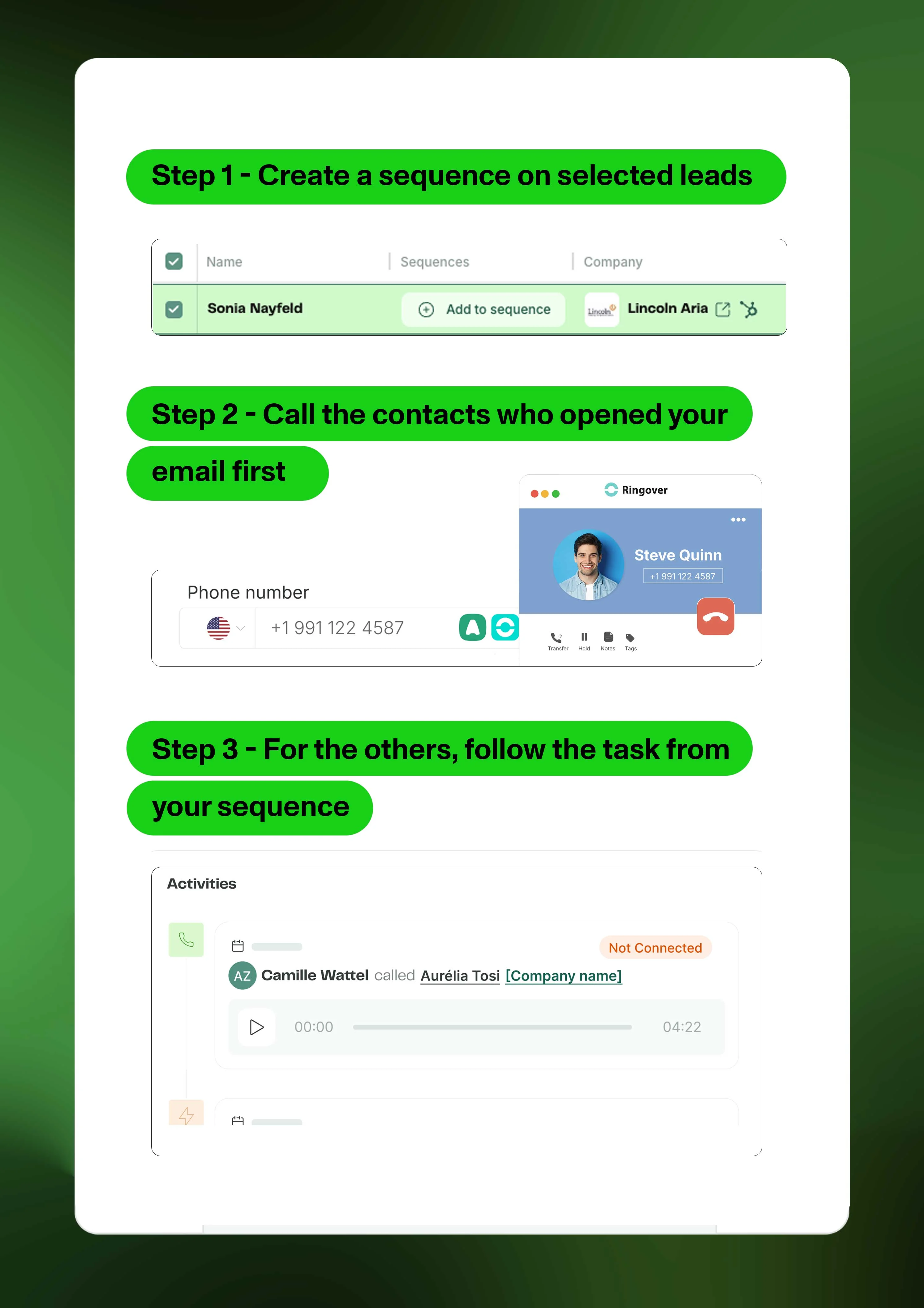
Step 1 - Create a sequence on selected leads
1- Plan your calling session one week ahead.
2- Find your contacts and ad them to a sequence.
3- Add one Social connection request, one email, and one call task. The call task has to be placed on the day you want to warm call.
Step 2 - Call the contacts who opened your email first
Click on the sequence and filter per Email opened.
These leads are your top priority!
Make sure you refer to the email when you have them on the phone.
Step 3 - For the others, follow the task from your sequence
1- Click on "My Tasks" in the Engage section.
2- Treat each task one by one, making sure you take note while being on the phone.
3- Call is over? Click on "Done" to go to the next Task.
💡 Pro tip: Connect Aircall or Ringover if you’re using one of these VoIP, so that you can keep start call from Zeliq page and keep track.